REP AI + Attentive integration
REP AI subscribes shoppers to your Attentive email and SMS audiences while they chat. One connection covers both channels, and you can offer a discount code for signing up.


Attentive runs your email and SMS audiences. Once it's connected, whatever a shopper shares in chat reaches Attentive as a single subscription, tagged to the list or Sign-Up Source you selected.
Email and SMS signups in one chat
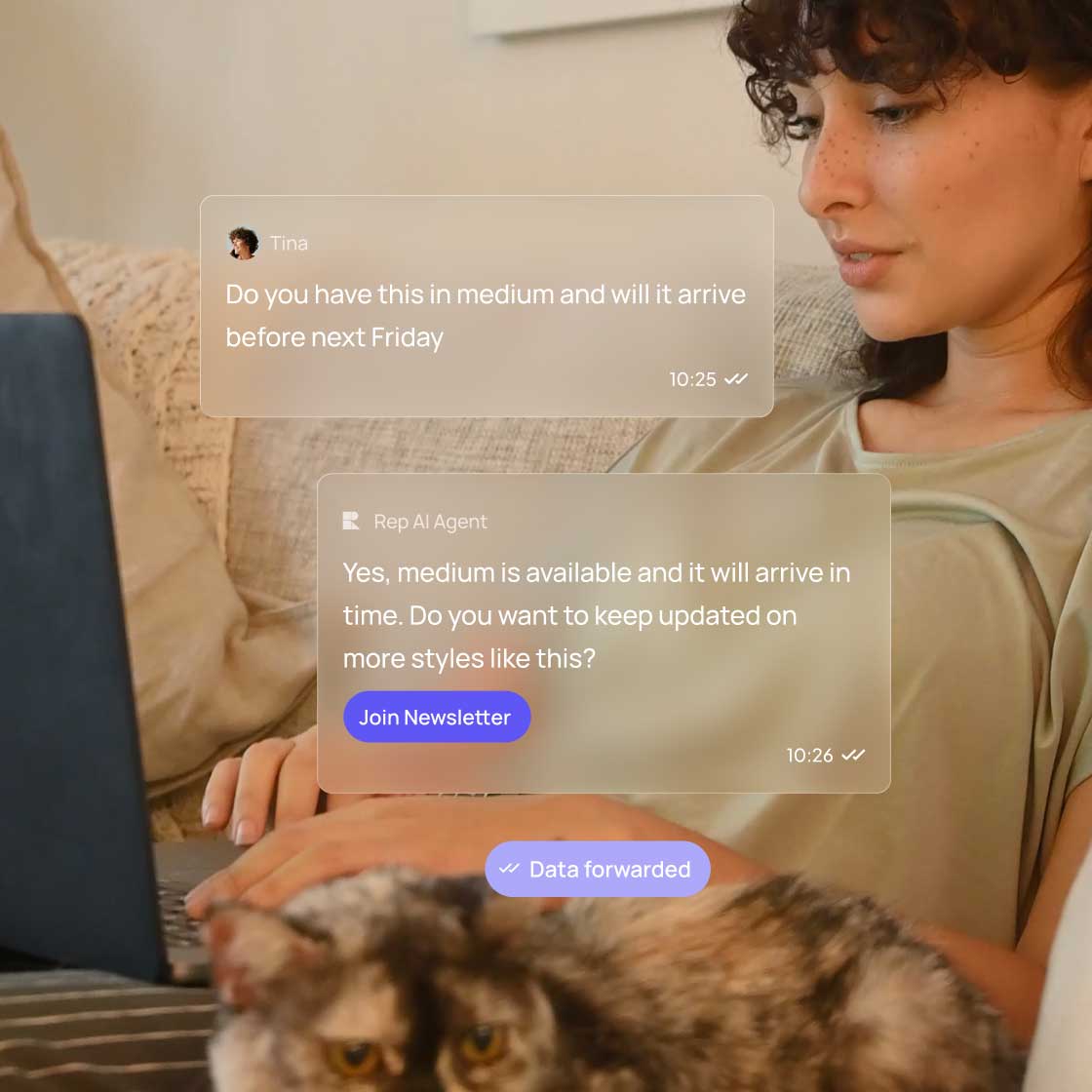
"Any discount for signing up?" REP AI asks for what you require. Both details go to Attentive together, and the shopper gets the code.


How It Works
Here is what happens from the first message to the moment your team takes over.
Click Connect on the Marketing tab, then click Allow in Attentive
Set Email, Phone and Name to Required, Optional or Off
A shopper asks about a discount or promotion
Details arrive as one subscription and the shopper gets the code
Use Cases


Set Phone to Required and Email to Off.
Set both to Required to get an email and a phone number together.
Use your own Sign-Up Source.
A broken email address gets caught, and the AI asks again instead of saving it.
Turn chat questions into Attentive subscribers
Connect Attentive and start your 14-day free trial, no credit card required.

Got questions?

No. A connected account has a default Marketing (en-US) list right away. Your own Sign-Up Sources are optional.
It records where a subscriber joined. Shoppers who sign up through REP AI are tagged with whichever source you selected in your Power-Up, so you can report on chat subscribers separately.
Yes. REP AI shows a legal disclosure before it collects contact details, and you can replace the default wording when editing the Power-Up. Your Terms and Privacy Policy links are added automatically when both are set in your general settings.