


Rep AI + Recharge integration
Rep AI manages Recharge subscriptions in chat. Subscribers can skip their next delivery, change how often it ships or where it goes, and cancel or reactivate a subscription, without a ticket.


Recharge runs subscriptions for ecommerce brands. With Rep AI connected, the most common subscription requests are handled in the conversation, with the shopper confirming each change.
Subscription requests, solved in chat
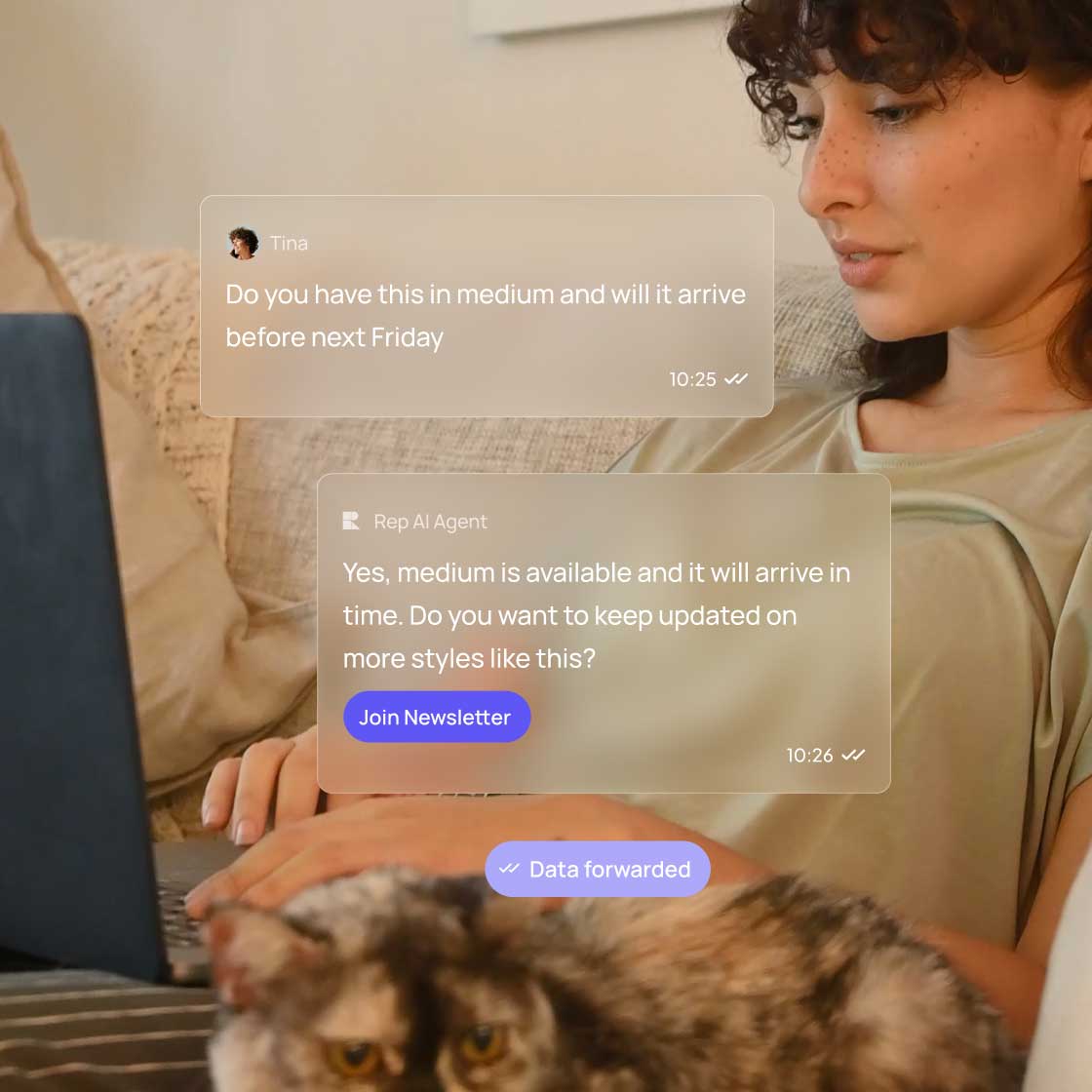
"Skip my next coffee box": Rep AI names the delivery, gets a yes, and skips it. The same goes for changing the frequency or shipping address, and for cancelling or reactivating a subscription.


How It Works
Here is what happens from the first message to the moment your team takes over.
Add Recharge in Integrations, then Subscriptions, in the Rep AI Console
Save the Subscriptions support skill
Rep AI finds the subscription and names the change
The shopper says yes, and Rep AI updates the subscription in Recharge
Use Cases


Skips, frequency and address changes no longer wait for an agent.
A skip or a new frequency is offered in the moment, so fewer subscribers leave.
Rep AI always gets the shopper's yes before it changes anything.
Requests the AI does not handle go to your team.
Let subscribers manage their plans in chat
Connect Recharge and start your 14-day free trial, no credit card required.

Got questions?

It can skip the next delivery, change how often it ships, change the shipping address, and cancel or reactivate a subscription.
It cannot change the product, quantity or charge date, and it cannot pause a subscription. Those requests go to your team.
Connect Recharge in Integrations, then Subscriptions, and save the Subscriptions skill. Stores that connected Recharge before October 14, 2026 need to reconnect.

