


Quickly reply to every facebook comment and message in a single Agentic OS
REP AI engages every customer instantly by answering questions, guiding purchases, and converting high-intent traffic before it’s lost.

REP AI transforms Facebook from a fragmented communication channel into a real-time, revenue-driving sales engine.
- Engages instantly with customers across comments and DMs
- Responds to product questions with accurate, context-aware answers
- Guides shoppers from inquiry to purchase in real time
- Captures and converts high-intent traffic from paid and organic posts
- Unifies conversations so nothing gets missed or delayed

How to use REP AI on Facebook
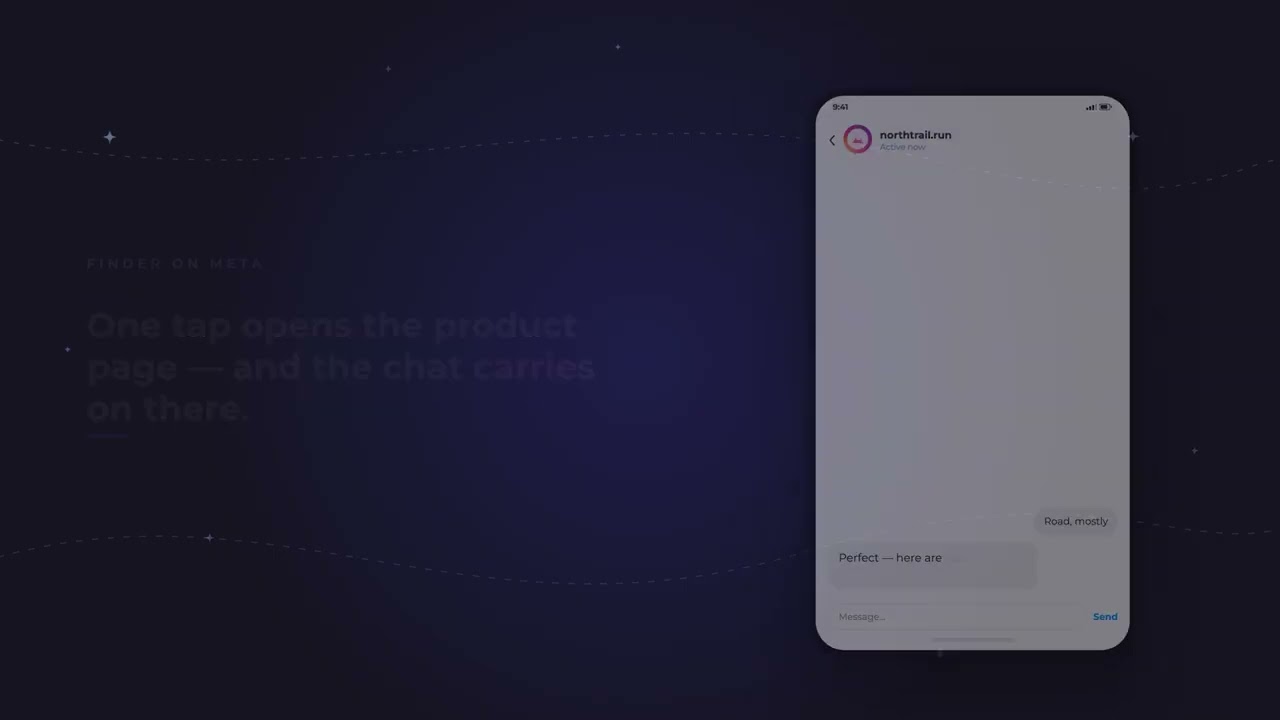
When customers message your brand on Messenger, REP AI answers instantly and can show product carousels with filter chips, with buttons that open the product page in one tap.
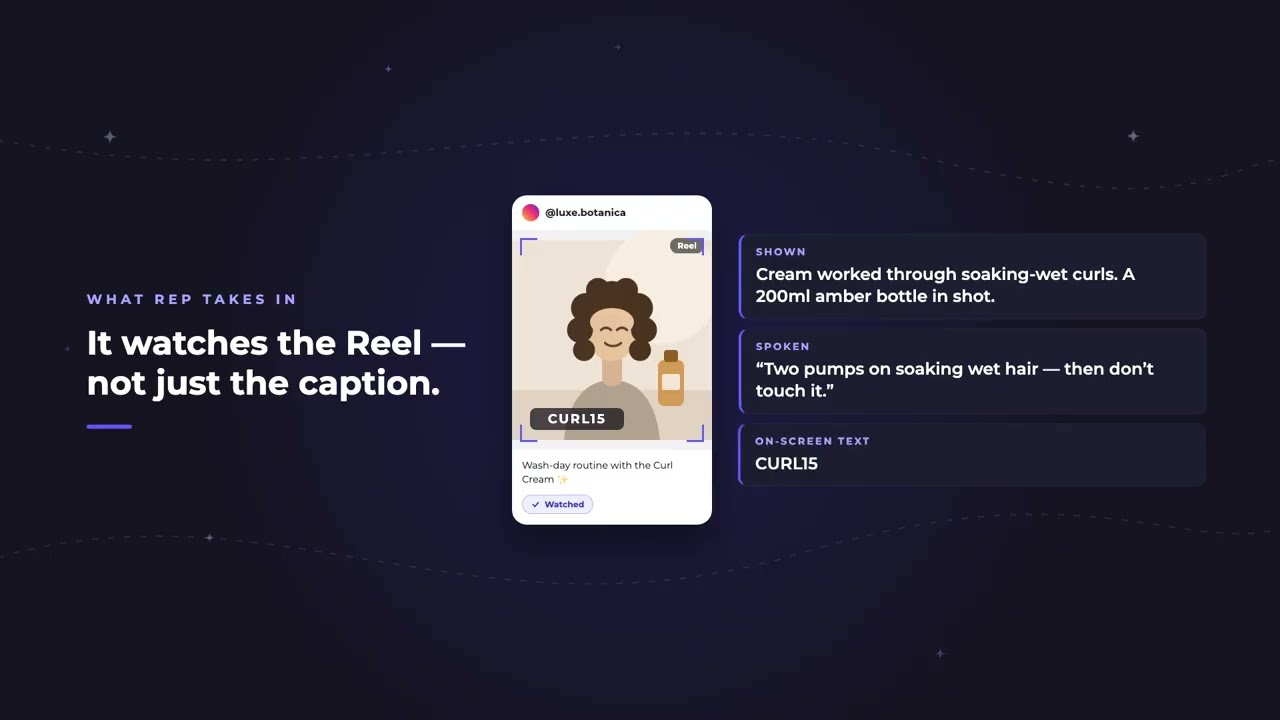
When shoppers reply to one of your posts, REP AI knows which post it is and answers about that product, guiding them toward purchase.
From pricing to availability to product details, REP AI removes delays, and it reads the photos and files shoppers attach to their messages.
As conversations scale across campaigns, every message gets an instant reply with typing indicators and read receipts. Quiet chats get a follow-up before they close, and with overage on the AI keeps answering after your bundled resolutions run out, up to a $1,000 reserve per billing cycle.
Every interaction reveals what customers ask, what is unclear and what blocks a purchase, with per-channel analytics in the Console.
See where you’re leaving revenue on the table
Most brands underestimate how much revenue is lost in delayed replies, missed messages, and unconverted conversations on Facebook.
Get a free audit of your website, support, and social channels, and see how agentic AI can step in to engage customers, respond instantly, and convert more high-intent traffic.

How REP AI works

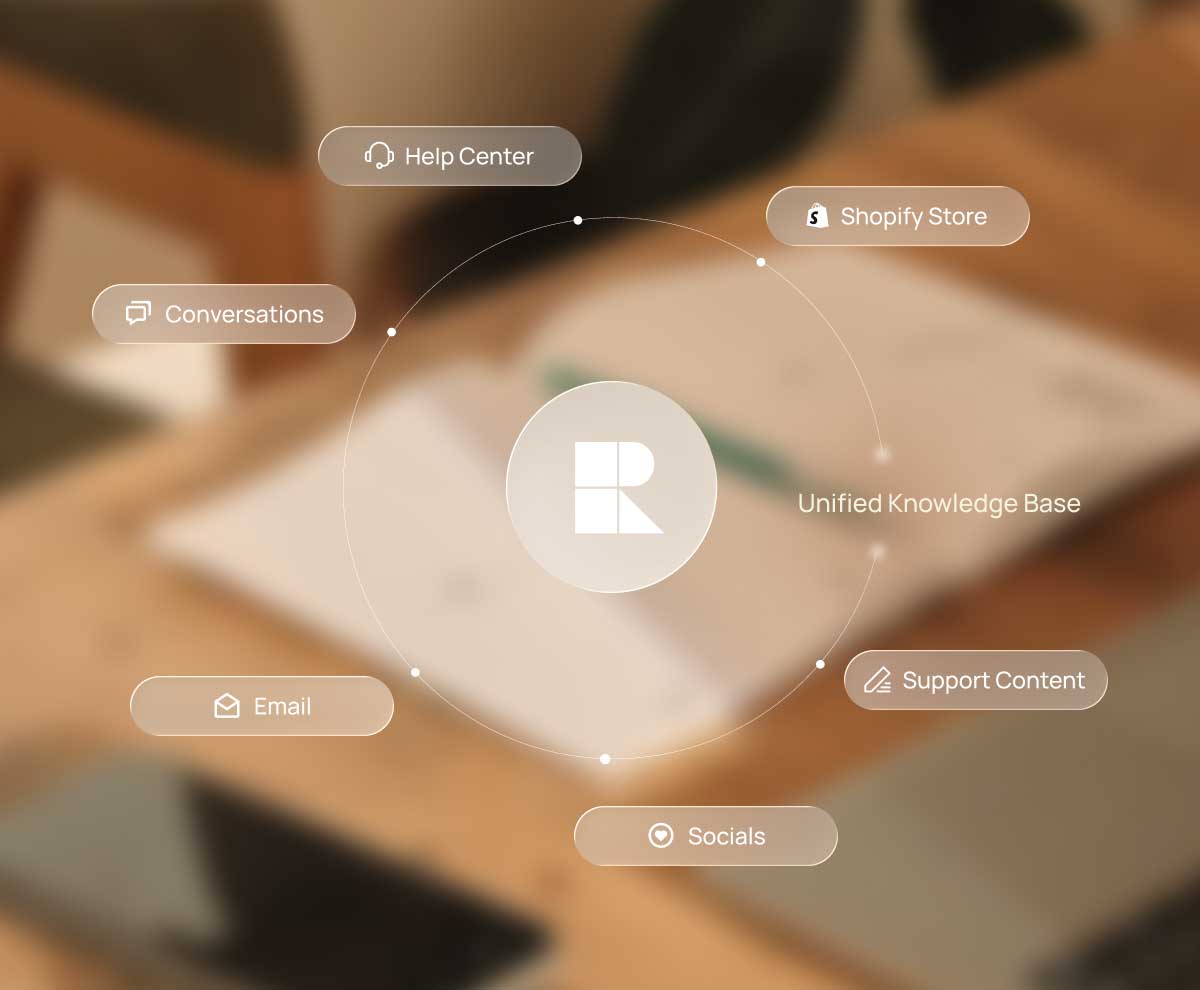
REP AI learns from your Shopify catalog, FAQs, policies, and site content to deliver accurate, context-aware responses across Facebook conversations.

REP AI engages customers wherever they interact with your brand, from direct messages to post and ad engagement, ensuring no opportunity is missed.

You define tone, rules, and guardrails so every response reflects your brand and handles conversations appropriately.

REP AI continuously learns from interactions, helping you refine responses, identify trends, and improve performance over time.
Proven impact for sales teams

Rep plugs into the tools you already use, while replacing the ones slowing you down









A unified commerce engine built around how customers actually shop
Most tools treat your website, support, and marketing as separate systems. REP AI connects them.
REP AI connects them:
Explore every channel
REP AI works across every customer touchpoint. See how it drives revenue and support across the rest of your stack:
See it in action
Short demos of these features in REP AI, each with chapters and a full transcript.

Stop leaving revenue in conversations
Every comment and message is a potential conversion. REP AI makes sure every interaction is handled instantly and turned into an opportunity to sell.
Got questions?

Yes. REP AI uses your Shopify catalog, FAQs, policies, and site content to answer product questions in Facebook comments and DMs with context-aware responses. That helps shoppers get accurate answers without leaving the conversation.
REP AI responds instantly across Facebook comments and DMs, so high message volume from campaigns and posts does not create delays or missed opportunities. It helps brands handle scale while keeping conversations moving toward resolution or purchase.
Yes. REP AI is built to engage shoppers coming from both paid and organic Facebook activity, including post engagement, ad comments, and direct messages. That helps brands capture and convert high-intent traffic across both sources.
Yes. REP AI can show product carousels with filter chips in Messenger, and tappable buttons take the shopper to the product page.
REP AI hands the conversation to your team with the full history attached, in Rep Inbox or in your connected helpdesk, and tags the ticket using your rules.

