Product page questions
Questions shoppers can tap, right on the product page
Ask our AI chips sit under Add to cart, like care instructions or delivery options. One tap opens the chat with the answer from your store's knowledge.


Turn your website into a real-time, personalized shopping experience. REP AI engages every visitor, answers questions instantly, and shows the revenue it drives in your Console.
Or see REP AI on your own store first: try the simulator


When shoppers are unsure what to buy, REP AI guides them with tailored product recommendations, without stepping in too soon.
When a visitor hesitates or shows exit intent, REP AI steps in with answers, recommendations, or incentives.
From sizing to shipping to product details, REP AI resolves questions in real time without forcing customers to dig or wait.
REP AI adapts conversations based on browsing behavior, cart activity, and customer data.
Every conversation becomes a source of insight on what customers want, what's missing, and what's blocking conversions.
Most teams don’t realize how much opportunity is hidden inside their customer conversations.
Get a free audit of your website, support, and sales channels, and see how agentic AI can step in to engage customers, resolve questions, and drive more conversions in real time.


REP AI learns from your Shopify catalog, FAQs, policies, and site content to deliver accurate, context-aware responses that reflect how your business actually operates.

REP AI can be deployed across your site through different experiences, including a standard chat widget, AI search that opens into a full-screen experience, and embedded product page widgets that answer common questions.

You define how REP AI communicates, with guardrails, tone controls, and business rules that ensure every interaction aligns with your brand and policies.

REP AI continuously learns from customer interactions, identifying gaps, uncovering new opportunities, and getting more effective over time without requiring constant manual updates.

Most tools treat your website, support, and marketing as separate systems. REP AI connects them.
REP AI connects them:
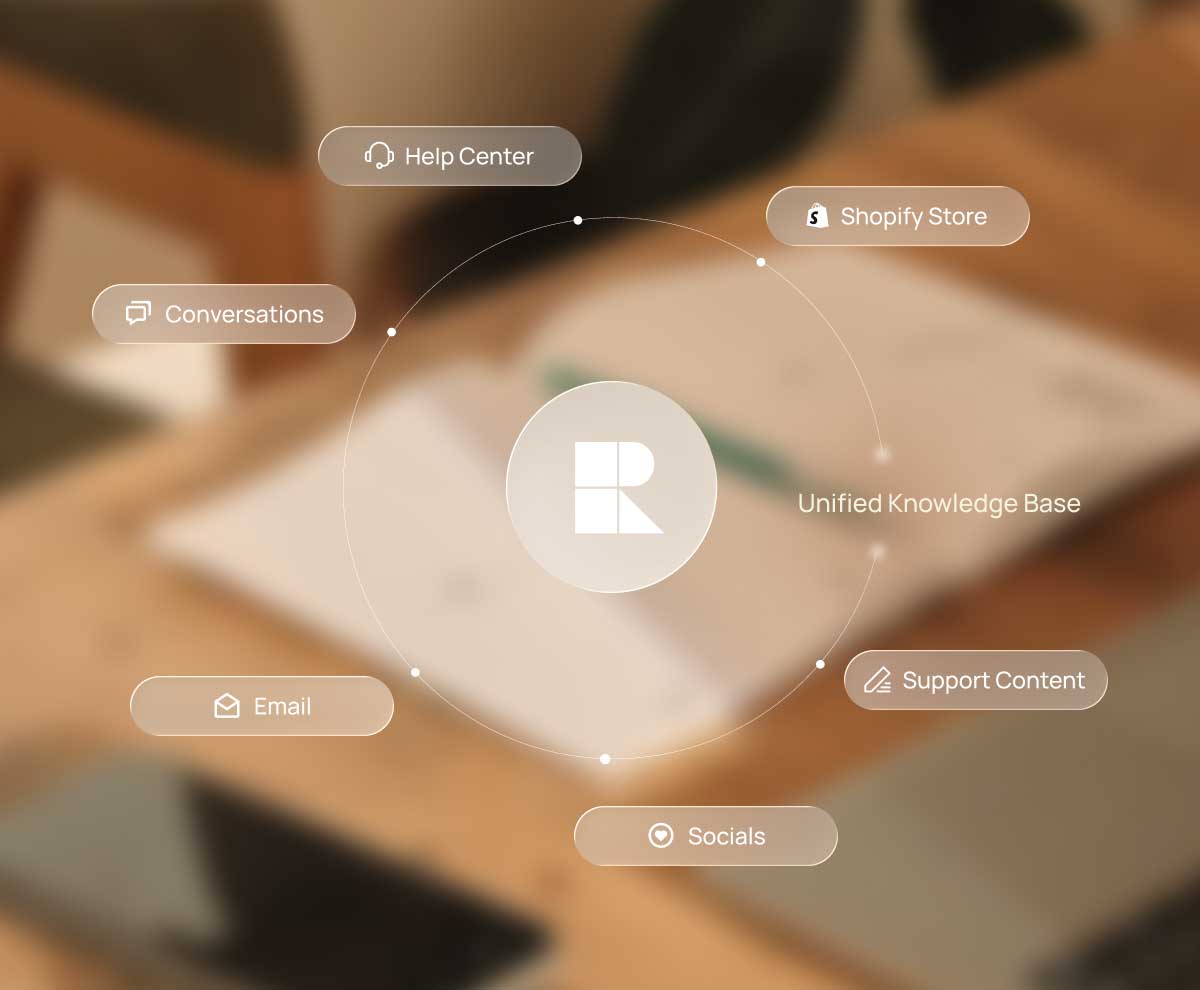
REP AI works across every customer touchpoint. See how it drives revenue and support across the rest of your stack:
Short demos of these features in REP AI, each with chapters and a full transcript.
REP AI makes sure every interaction is handled instantly and turned into a conversion opportunity.

REP AI uses real-time behavior signals like hesitation, repeat views, cart activity, and exit intent to decide when to engage. That helps it start conversations when a shopper is most likely to need guidance or reassurance.
Yes. REP AI personalizes website conversations using browsing behavior, cart activity, and customer context to deliver more relevant answers and product recommendations. That helps create a more tailored shopping experience for each visitor.
REP AI can be deployed through a standard chat widget, AI search that opens into a full-screen experience, and embedded product page widgets. This gives brands flexibility to engage shoppers across key moments in the on-site journey.
Yes. Upload an animated GIF or WebP as your store logo in Console > Settings > General > Logo, and it plays on the chat launcher, in the chat header and next to every AI reply.
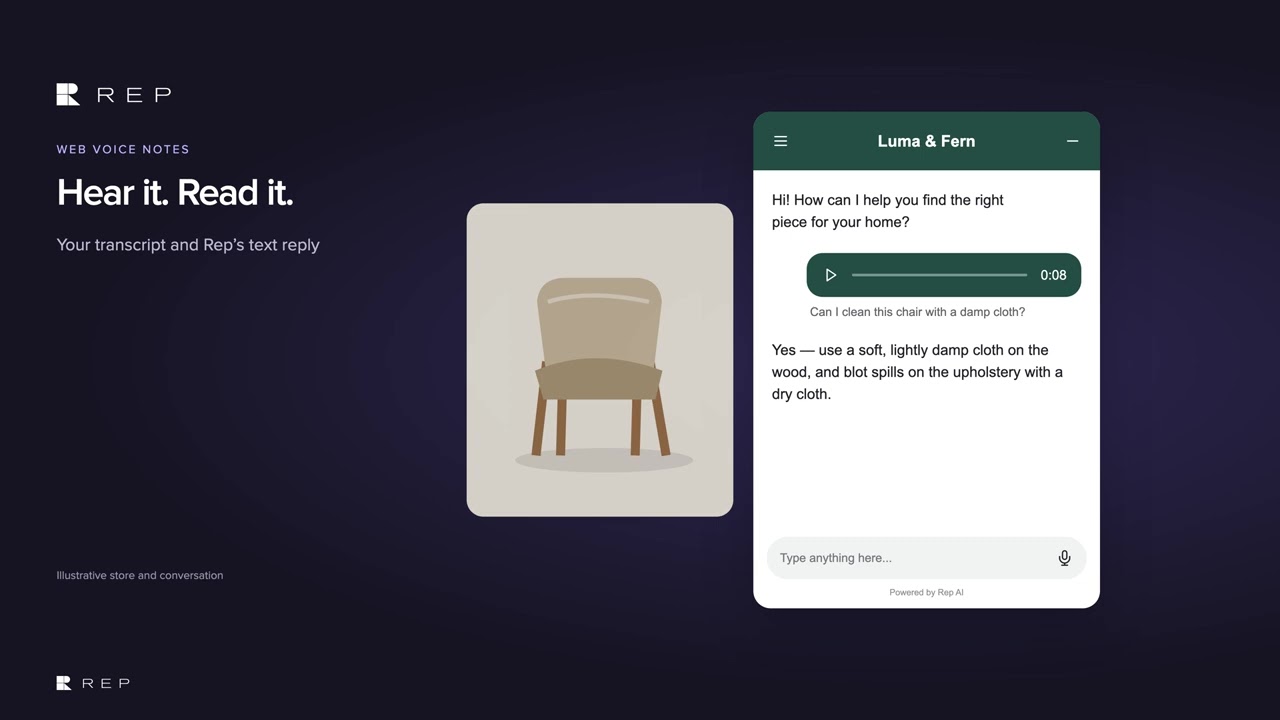
Yes. Shoppers tap the mic in the chat, speak for up to 60 seconds and send. REP AI answers what they said like a typed question, in the language they spoke, and shows the transcript under the voice message. Your team reads it as a transcript in Conversations, and Rep Inbox and live handoffs get the audio too. Voice messages are on by default on every plan and can be turned off in Console > Settings > Chat Widget > Chat experience.
Yes. Add up to 10 tracking parameters, such as utm_source=repai, in Console > Settings > Chat Widget > Settings > Link tracking parameters. The chat adds them to every link it opens on your own store, including product pages, cart, checkout and discount links, so visits that start in the chat stop showing as Direct in your analytics. Links to other sites are left as written.
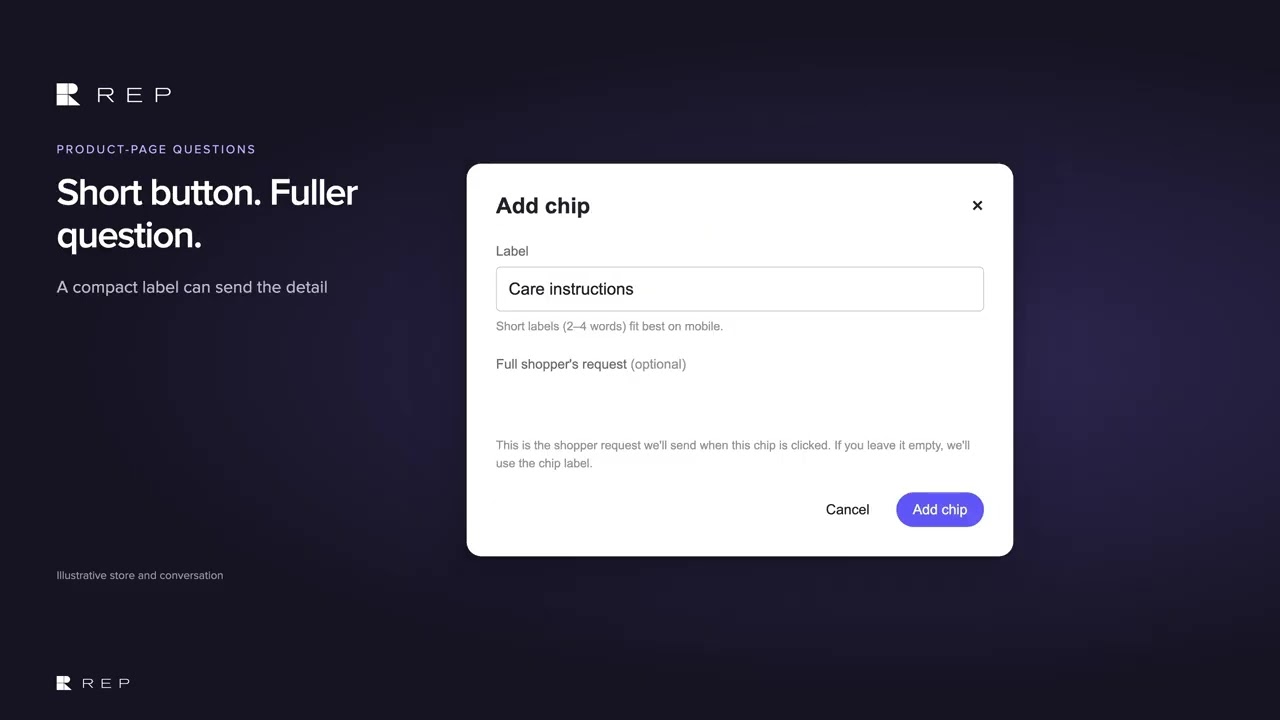
Yes. In the inline product-page widget you can set your own question buttons, keep the AI-generated questions, or mix both, with up to five button positions. Each button can have a short label and a fuller question. The settings apply across all of your product pages.
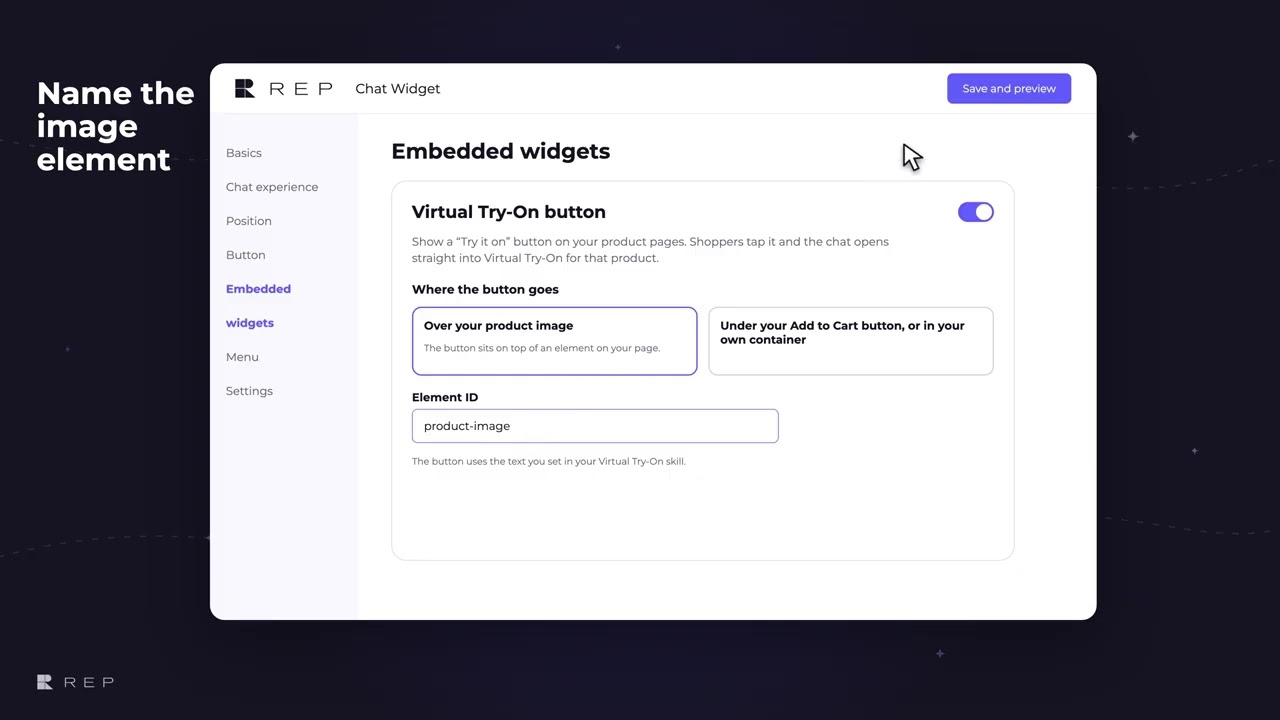
Yes. Turn on the Virtual Try-On button in Chat Widget > Embedded widgets. It shows a Try it on button over your product image or under Add to Cart, and a tap opens the chat straight into Virtual Try-On for the product the shopper is viewing. It needs the Virtual Try-On skill, and it does not depend on the inline product-page widget.
Yes. When you use Require consent before chat, REP AI records whether each shopper accepted or declined, with the time and the wording they saw. Open the consent entry in a conversation to view it, or export a date range as a CSV with one row per response. The consent notice can be up to 1,200 characters and can link shoppers to your store's cookie settings. Older records may not have confirmed wording, and the export says so.