


How REP AI answers collab pitches and giveaways in Instagram DMs
REP AI comes with six ready-made DM templates, written AI instructions for the messages social brings in, such as collab and creator pitches, discount requests and giveaways. You add one from Settings > Integrations > Social in your Instagram AI instructions, fill in your program link or contact email, and it becomes an ordinary instruction you can reword, reorder or delete.
Chapters
Transcript
Six ready-made DM templates
DMs bring things a product page never sees, collab pitches, giveaways, and people asking for code. Each template is a rule already written for one of them. The wording is done for you.
Add your program link
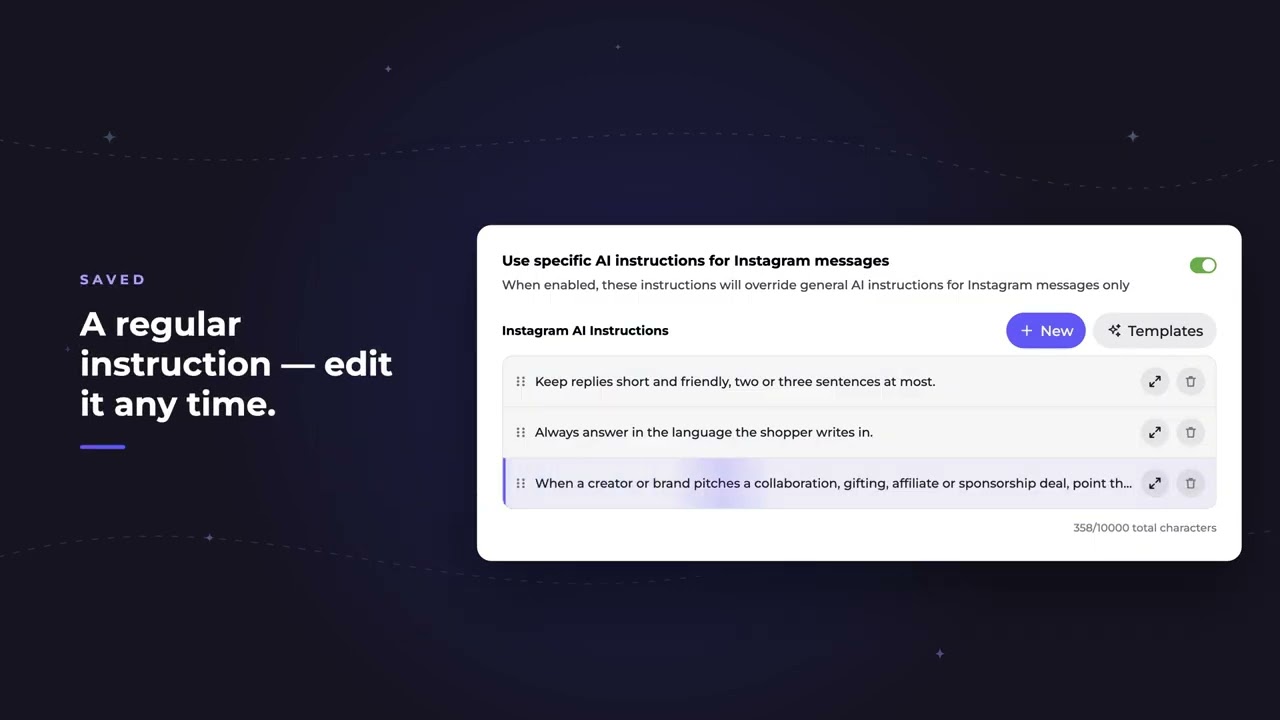
You only add where creators should go, your program link or a contact email. From here it's an ordinary instruction, yours to reword, reorder, or delete.
Test a creator pitch
In a test chat, a creator pitches a collab. The AI sends them to your program. And when they try to pitch right there in the DM, it points them back to it.
Common questions
Can REP AI handle collab and influencer pitches in Instagram DMs?
Yes. The Collab & creator pitches template tells the AI to point creators and brands to your program link or contact email instead of collecting their pitch in the chat.
Which DM templates does REP AI include?
Six: Collab & creator pitches, VIP & creator recognition, Discount requests, Giveaways & contests, Wholesale, press & partnerships, and Invite shoppers to your list.
Can I edit a DM template after adding it?
Yes. Once saved it is an ordinary AI instruction that you can reword, reorder or delete.
See it working on your own store.

