


Can REP AI learn from Google Sheets? Yes, add it as a URL source
Yes: REP AI can read a Google Doc or Google Sheet you add as a URL source, so its answers use the numbers your team already keeps up to date, with no Google account to connect. Paste the link under AI Training > Knowledge base > URL Sources > Add URL, shared as Anyone with the link with downloading on, and REP picks up changes on its next scan.
Chapters
Transcript
Your sheet, shared by link
Shipping rates, tax notes, price lists. For a lot of stores, they live in a Google Sheet the team already keeps up to date.
Add it as a URL source
That sheet now goes in as a URL source right beside your other pages. REP reads what's in the cells, every visible tab, under its own name.
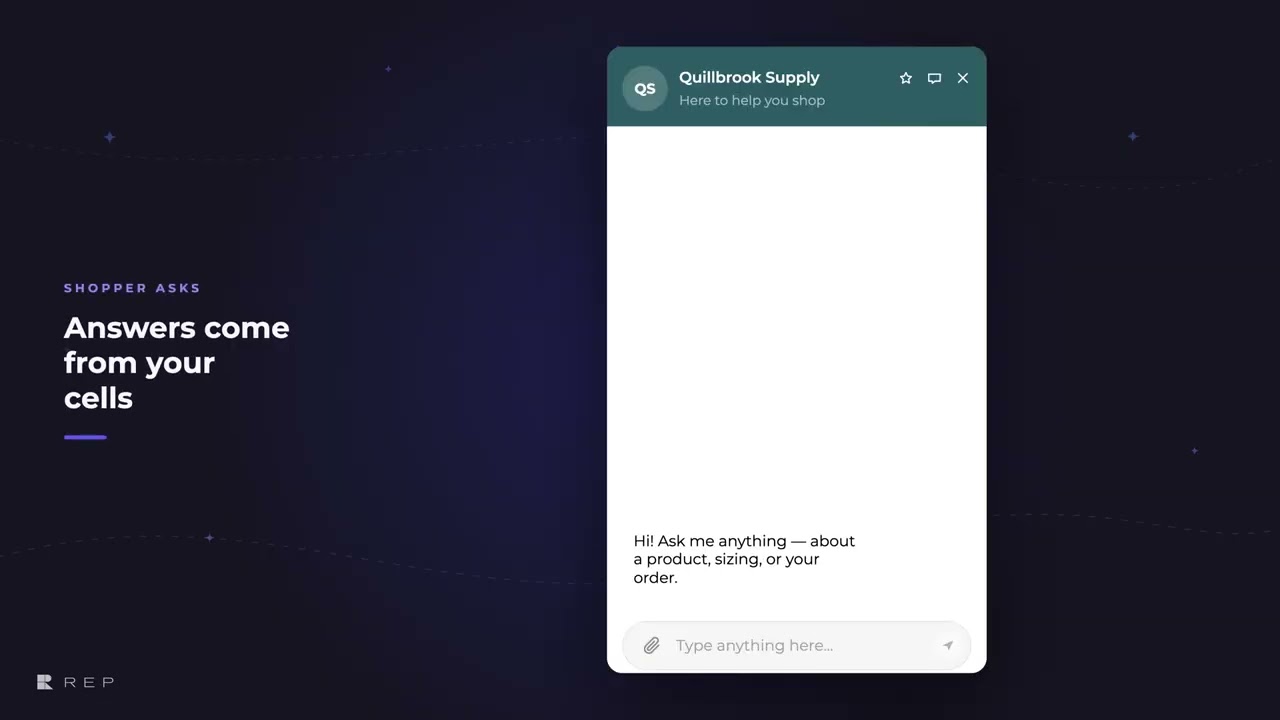
Answers from your cells
So when a shopper asks about shipping, the answer is the number in your sheet.
Edit the sheet, next scan
When a rate changes, it changes in the sheet and nobody re-uploads a file. REP reads the sheet again on its next scan. The same question now gets the new rate.
If sharing changes
If someone switches sharing off, the source isn't dropped. It's flagged right here, and the AI keeps using its last good copy until it's fixed.
Common questions
Can I train REP AI on a Google Sheet?
Yes. Share it as Anyone with the link with downloading on, then paste the link under AI Training > Knowledge base > URL Sources > Add URL; REP reads every visible tab.
Do I need to re-upload the sheet when my prices change?
No. Change the sheet and REP picks it up on its next scan, so the same question gets the new rate.
Can REP AI read private Google files or other file types?
Not yet. It reads Google Docs and Sheets shared by link, up to about 35,000 characters each; if sharing is switched off, the row says why and the AI keeps its last good copy.
See it working on your own store.

