


How to reply and close a ticket in one click with REP AI
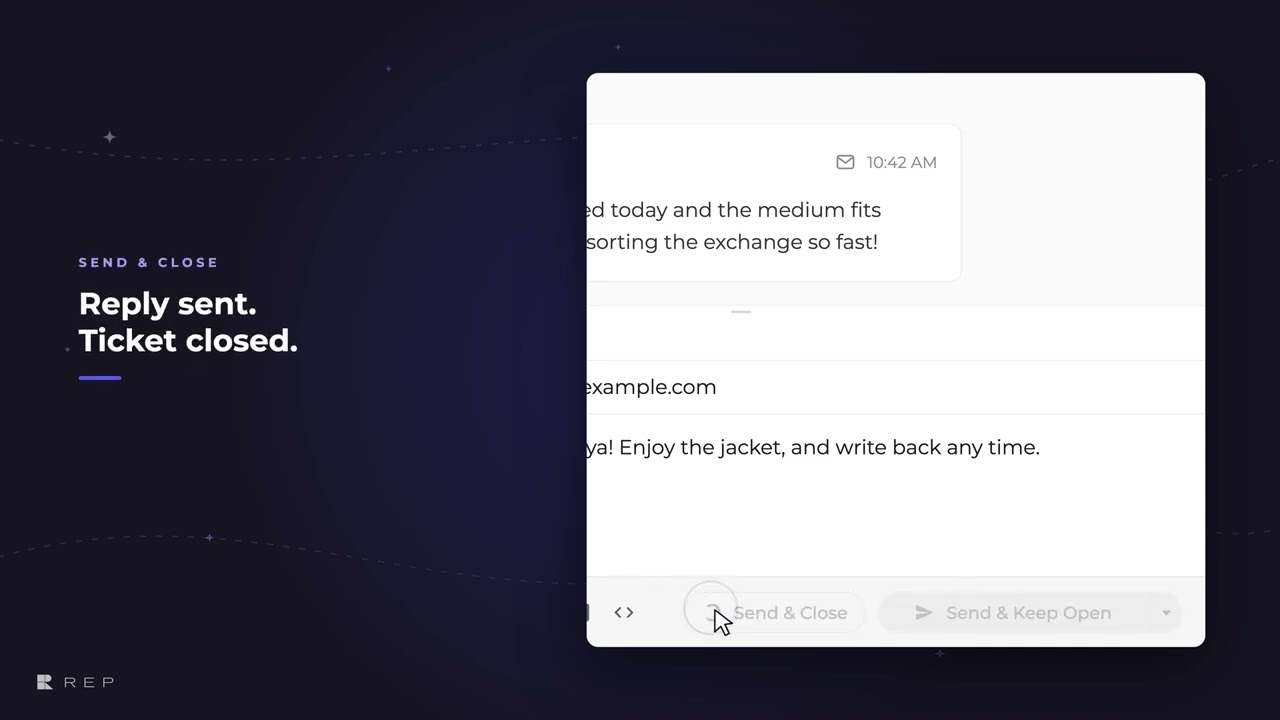
REP AI's Rep Inbox has a Send & Close button that sends your reply and closes the ticket in one click. It sits right beside Send in the reply box, works for email and messaging replies alike, and isn't offered on tickets that are already closed.
Chapters
Transcript
Most replies are the last word on a ticket, so Send & Close sits right beside Send, one click away. That one click sends your reply and closes the ticket in the same step. On a ticket that's already closed, the button steps aside because there's nothing left to close.
Common questions
Can I reply and close a ticket in one click in REP AI?
Yes. In Rep Inbox, Send & Close sits beside Send and sends your reply and closes the ticket in the same step.
Does Send & Close show on closed tickets?
No. On a ticket that is already closed the button isn't offered, because there is nothing left to close.
Does Send & Close work for chat replies as well as email?
Yes. The video says it works for email and messaging replies alike.
See it working on your own store.

