


How REP AI uses ShipStation to answer where-is-my-order chats
REP AI uses ShipStation to answer where-is-my-order questions with the carrier, the last scan and the estimated delivery date, not just Shopify's fulfilled status. Connect it with one API key under Settings > Integrations > Shipping; the AI verifies the order first, waits up to five seconds for ShipStation, and falls back to the Shopify order status if it doesn't answer.
Chapters
Transcript
Connect ShipStation in Settings
ShipStation sits with the other shipping platforms: Settings, Integrations, Shipping. One API key, and REP checks it against ShipStation before it saves.
Shopify vs ShipStation detail
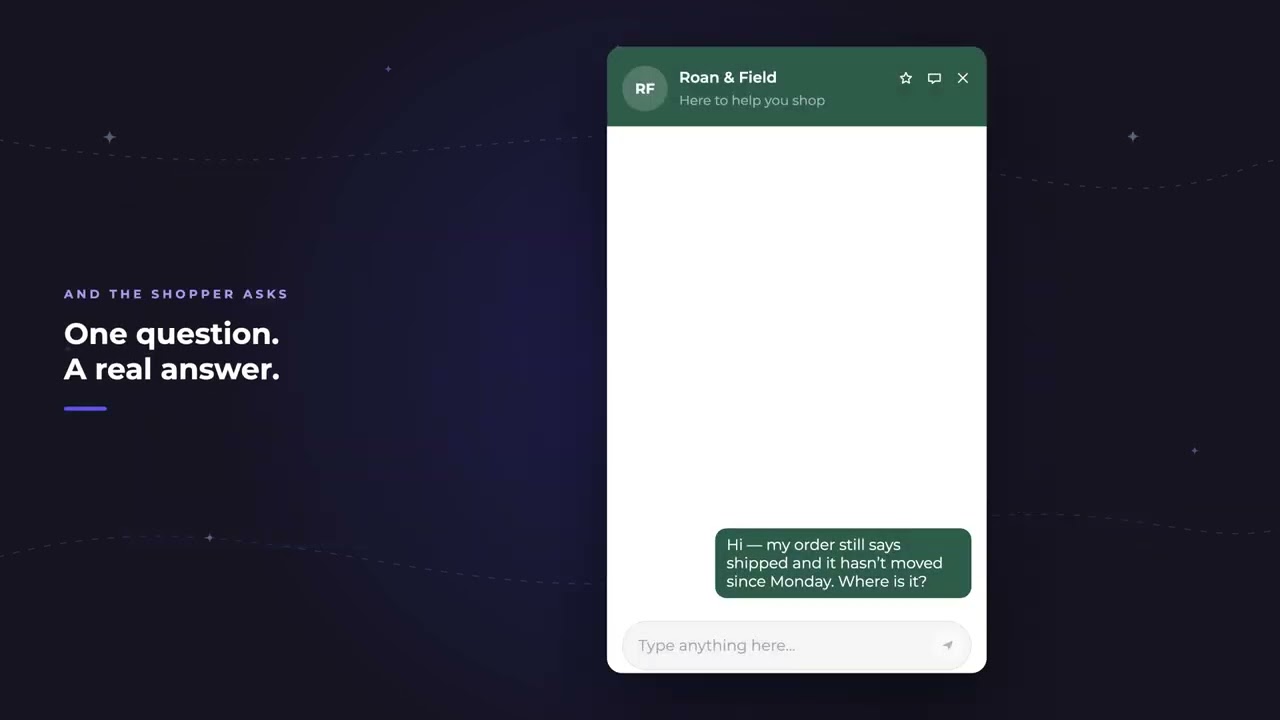
Shopify knows the order was fulfilled. ShipStation knows where it physically is. The shopper asks the way they always do.
Shopper asks about an order
REP verifies the order first, then answers with the carrier, the last scan, and the date. The things that actually settle the question. Five seconds is all it waits.
Five-second fallback
If ShipStation doesn't answer, the shopper still gets their order status.
Common questions
Does REP AI integrate with ShipStation?
Yes. Connect it with your ShipStation API key under Settings > Integrations > Shipping, and order answers include the carrier, the last scan and the estimated delivery date.
What happens if ShipStation is slow or down?
REP AI waits up to five seconds. If ShipStation doesn't answer, the shopper still gets their Shopify order status and never sees an error.
Does the AI share tracking details with anyone who asks?
No. It verifies the order number and email before sharing any detail.
See it working on your own store.

