


How REP AI shows the right price per Shopify Market in chat
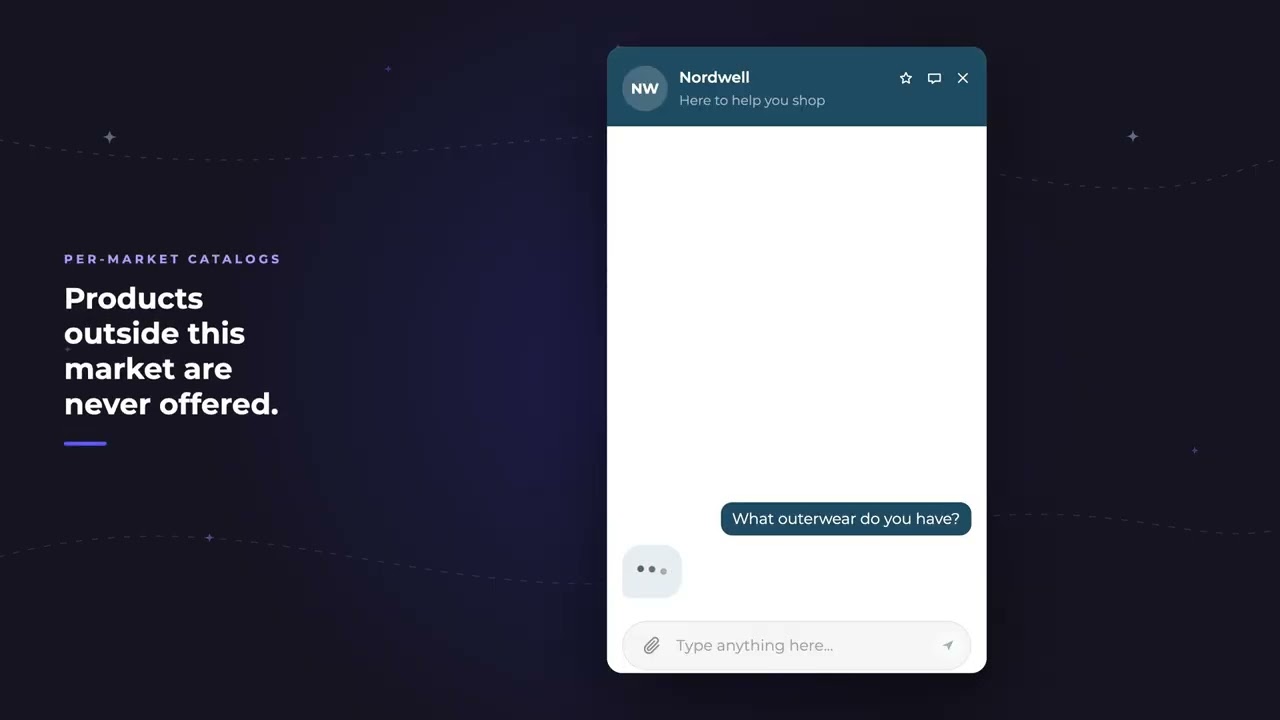
REP AI reads your Shopify Markets setup, so a shopper in the UK gets your UK price in GBP and a shopper in Germany gets the EU price you set in EUR, not a conversion. Products outside the shopper's market are never offered, and you can check what REP AI detected under Settings > Integrations and per product under Catalog > Products > Shopify Markets.
Chapters
Transcript
UK price in GBP
A shopper opens the chat from London, and REP already knows which market she's in.
EU price in EUR
Same question from Berlin. This is the price you set for the EU, not a conversion of another market's price.
Catalogs and detected markets
Which she can't buy in her market, REP simply doesn't offer, not by name, not in a comparison. The Integrations page lists every market REP picked up, with its currency and which one is primary.
Markets tab per product
Every product carries a Markets tab, one row per variant, one column per market. An international market shows one base price that Shopify converts for each shopper at checkout.
Common questions
Does REP AI support Shopify Markets?
Yes. It uses per-market pricing and per-market catalogs from your Shopify setup, so each shopper sees their market's price and currency.
Will REP AI recommend products that aren't sold in a shopper's market?
No. Products excluded from a market's catalog in Shopify are never offered, not by name and not in a comparison.
Where can I see which markets REP AI detected?
Under Settings > Integrations, which lists each market, its currency and the primary one. Each product also has a Shopify Markets tab under Catalog > Products.
See it working on your own store.

