


How REP AI shows shopper photos and voice notes in the Console
REP AI shows the photos, voice notes, videos and files a shopper sends right inside the conversation in the Console. Open Console > Conversations: voice notes play in the thread, photos open full size, Instagram story mentions show the story itself, and it works across Instagram, Facebook, WhatsApp, web chat and email.
Chapters
Transcript
Voice notes in the thread
When a shopper would rather talk than type, the voice note sits right on their turn, so you hear what they said in their own words.
Photos at full size
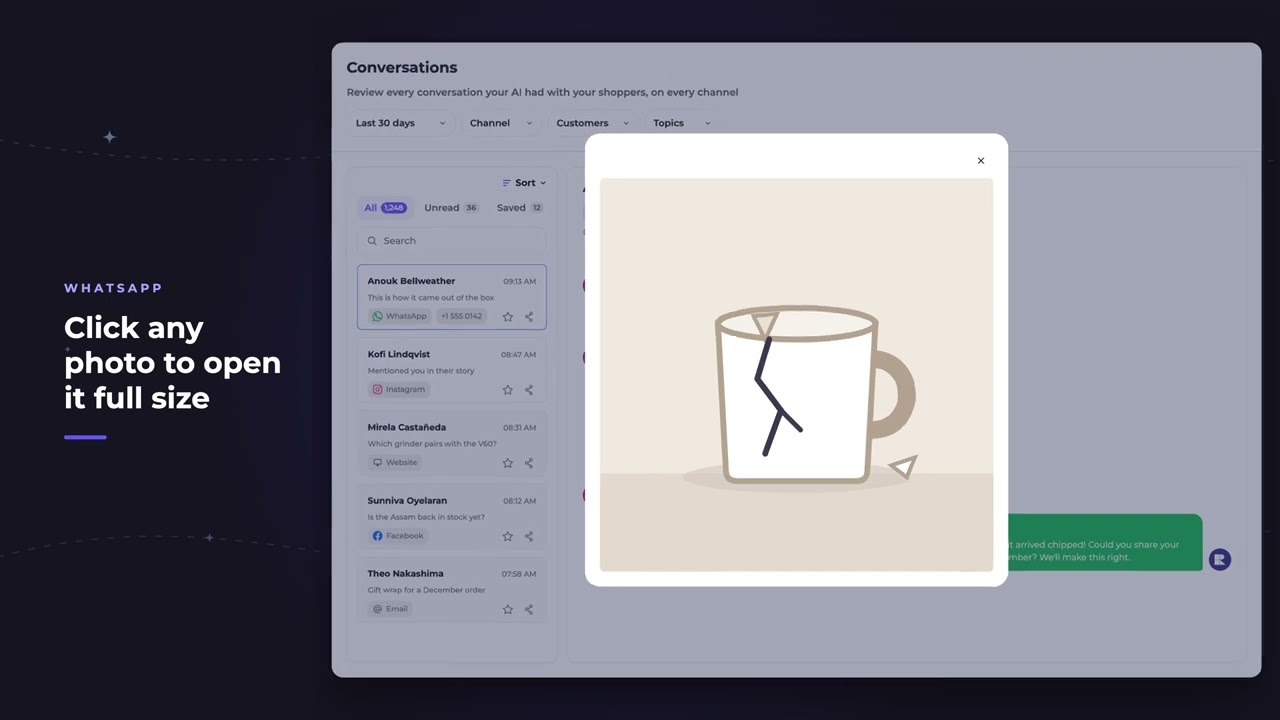
Photos come through untouched, side by side, the way the shopper took them. And any one of them opens large, so you can check the AI's answer against the picture itself.
Instagram story mentions
When someone tags your store in their story, the story itself shows up in the thread, the moment that started the conversation. Whoever opens the conversation sees what the shopper sent, so nobody has to ask them to send it again.
Common questions
Can I hear WhatsApp voice notes shoppers send to REP AI?
Yes. Voice notes play right in the conversation in Console > Conversations.
Which channels does shopper media show up for?
Photos show for Instagram, Facebook, WhatsApp, web chat and email, and the deck adds that videos up to 60 seconds play inline and files show from any connected channel.
Do old attachments stay in the Console forever?
Not always. Older media can expire, and the conversation then shows a notice instead.
See it working on your own store.

