


How to preview a custom support skill in REP AI any time
REP AI lets you preview any custom support skill at any time, even one that is switched off for shoppers, from Preview conversation in the skill card's menu. Preview opens your own storefront with the real widget and starts the chat with the skill's request, and it's also in the skill wizard's header and in the Test & Train skill picker.
Chapters
Transcript
Preview from the skill card
Every custom skill carries its own Preview, one menu away from its card. So last week's skill is as easy to check as today's.
Opens on your storefront
Preview opens your own storefront and starts the conversation for you with the skill's request. It's the real widget on your real theme.
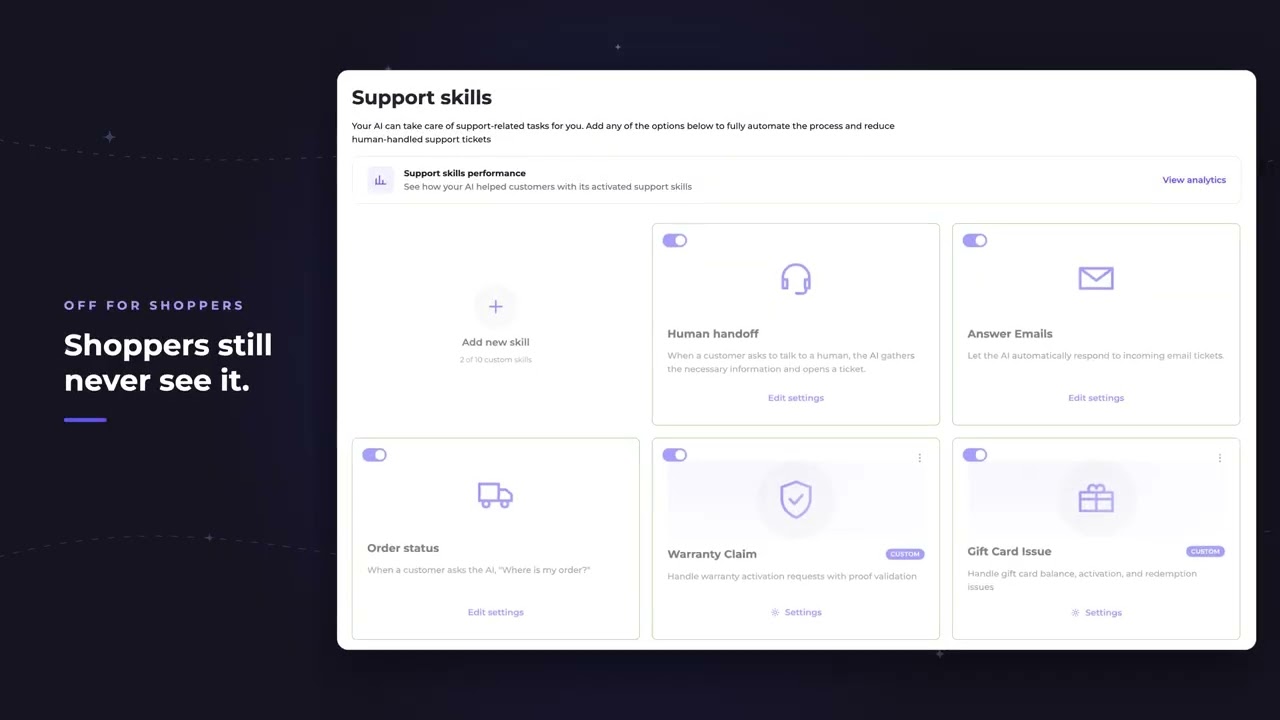
Off skills still preview
Off means off for shoppers, not for you. A switched off skill still runs in Preview, so nothing has to go live just to be tested.
Preview in the wizard
Inside the wizard, Preview sits in the header on every step. Until the skill has a name and a policy, it stays in view and says what's missing.
Test & Train skill picker
Test & Train has a skill picker as well. Choosing one starts a fresh chat that opens with that skill's request right here in the Console.
Common questions
Can I test a REP AI custom support skill before shoppers see it?
Yes. Preview conversation opens your own storefront with the real widget and starts the chat with the skill's request.
Will shoppers see a skill that's switched off?
No. Off means off for shoppers, but a switched-off skill still runs in Preview for you.
Can I preview a skill while I'm still building it?
Yes. Preview sits in the wizard header on every step; until the skill has a name and a policy, it says what's missing.
See it working on your own store.

