


Which store pages start the most chats? REP AI Top 10 URLs
REP AI ranks the top 10 pages on your store by how many web chat conversations started there, in a card at the bottom of Shopper intelligence. Find it under AI Insights > Shopper intelligence, where each URL opens the live page in a new tab and the ranking follows the date range you pick.
Chapters
Transcript
A new Shopper intelligence card
At the bottom of Shopper Intelligence, there's a new card. It ranks the pages on your store by how many conversations started there.
Open any page
Every URL is a link, hover to see the whole thing. Click it and the page opens in a new tab, the page your shopper was on.
Two numbers per page
Conversations is how many shoppers chatted on that page. Percent of total is its share of everything in the range you picked.
Read it right
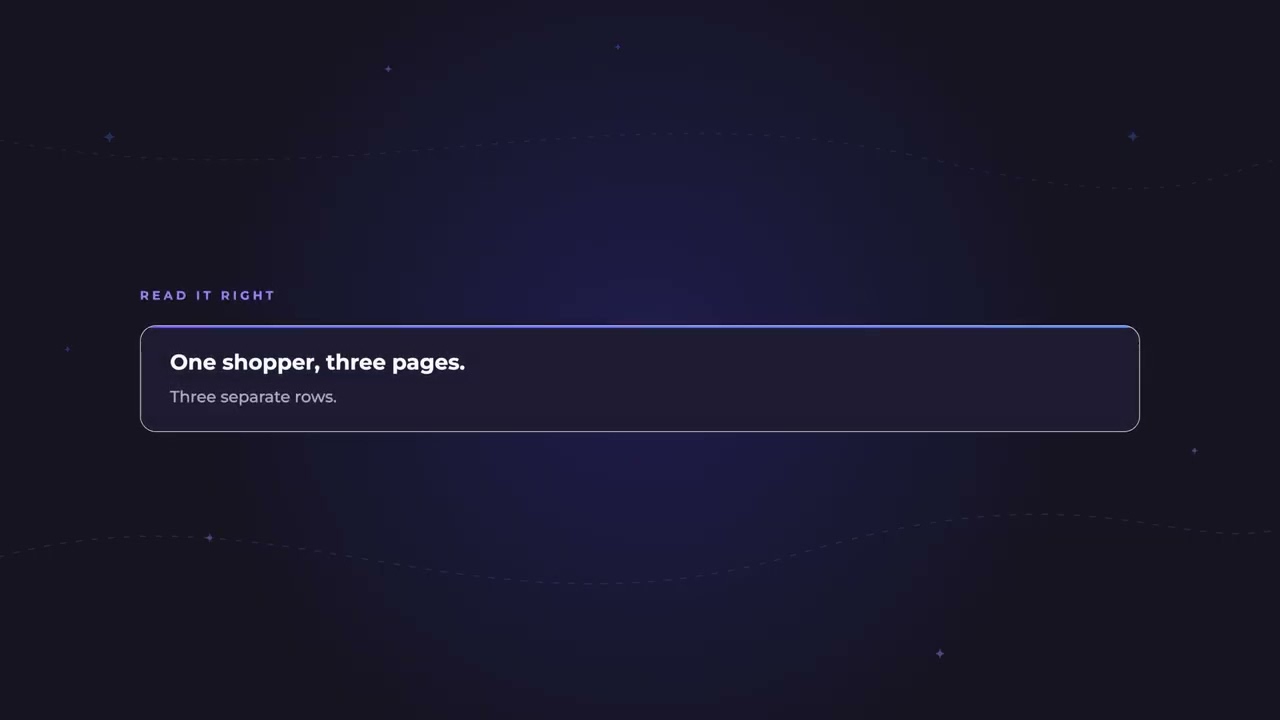
A shopper who chats on three pages counts on all three, so these rows can add up past your store's conversation count.
What gets counted
So what you're ranking is real shoppers on your live storefront, in whatever window you're looking at.
Common questions
Can REP AI show which pages shoppers chat on most?
Yes. The Top 10 URLs that had a conversation card in Shopper intelligence ranks your store pages by how many conversations started there.
Why do the rows add up to more than my total conversations?
A shopper who chats on three pages counts on each of them, so the card is a ranking, not a total.
Does my own test traffic count in Top 10 URLs?
No. Your own test traffic, such as the simulator, is dropped, and the card covers web widget conversations in the date range you select.
See it working on your own store.

