Shopify AI Customer Service Playbook for 2027: A 90-Day Plan
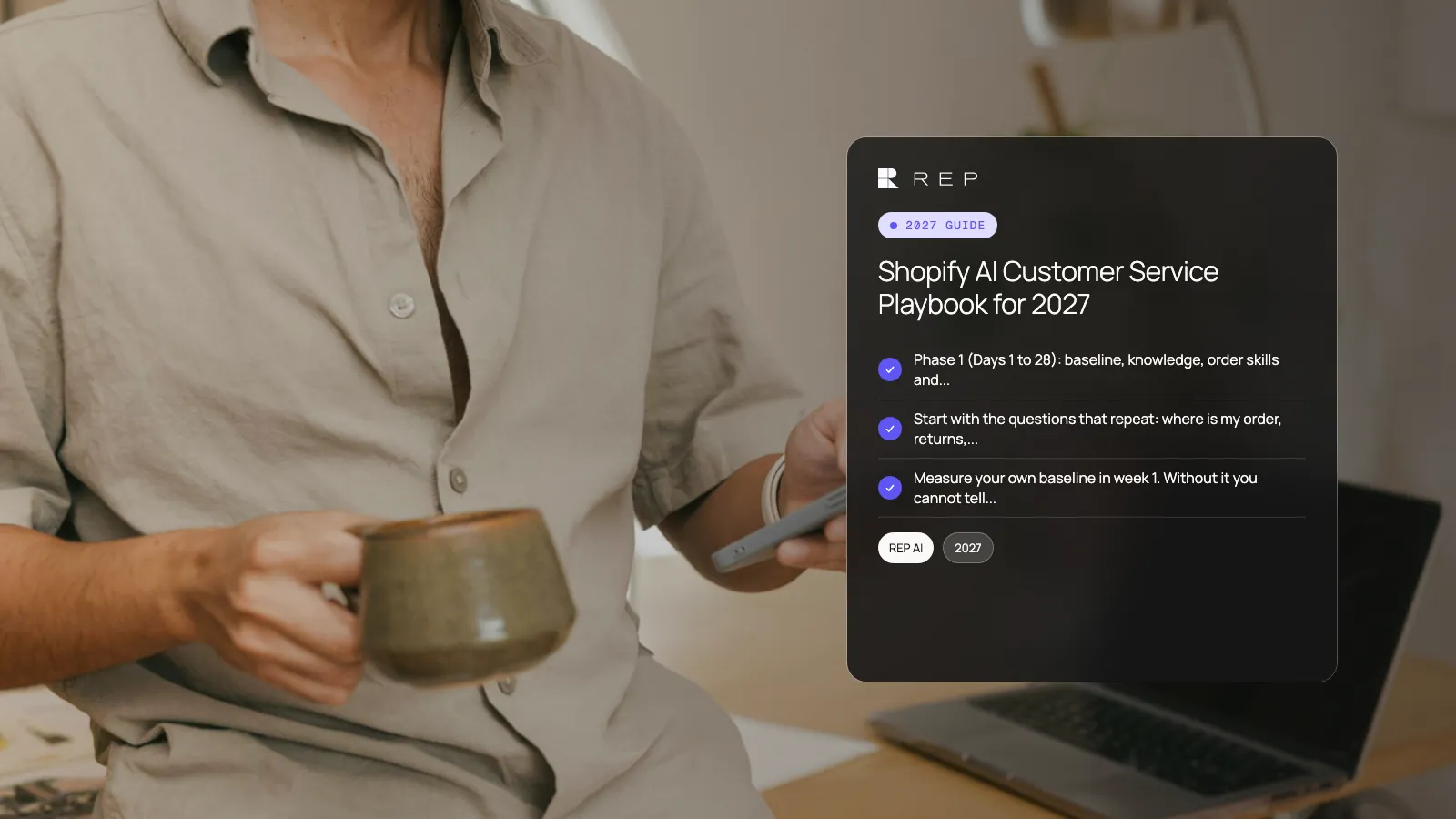
You can set up AI customer service on a Shopify store in 90 days by working in three phases: build the foundation in the first four weeks, add channels and actions in days 29 to 56, then tune and measure in days 57 to 90. REP AI is built for this plan. It answers shoppers on website chat, email, Instagram, Facebook Messenger and WhatsApp, resolves order questions, sells in the same chat and hands off to Rep Inbox, your helpdesk, with the full conversation.
This playbook gives dated weeks, checklists and the numbers to track. The dates use Monday 4 January 2027 as Day 1, so Day 90 falls on Saturday 3 April 2027. Shift them to your own start. Competitor prices are as published on each vendor's pricing page, checked 20 November 2026. 2027 prices are not published yet, so confirm current prices before you buy or renew in 2027. REP AI publishes this guide and is one of the tools it describes. We give no result numbers, because your results depend on your catalog, policies and traffic.
Key takeaways
- Phase 1 (Days 1 to 28): baseline, knowledge, order skills and website chat live. Phase 2 (Days 29 to 56): email and social channels, handoff and helpdesk. Phase 3 (Days 57 to 90): selling in chat, tuning and a review.
- Start with the questions that repeat: where is my order, returns, cancellations, address changes. Add selling after the support answers are right.
- Measure your own baseline in week 1. Without it you cannot tell whether the AI helped.
- REP AI plans start at $19 a month for up to 3,000 sessions ($15 billed yearly), with a 14-day free trial on every plan. Email and social AI is an add-on at $0.75 per AI-resolved conversation ($0.50 yearly).
- Review handoffs every week. Each handoff shows a missing policy, a missing permission or a question to teach.
What does a 90-day AI customer service plan look like on Shopify?
A good plan has a start, three phases and a review. The table shows what to finish in each phase and which owner signs it off. Use it as the header of your project tracker.
| Phase | Dates (example) | What you finish | Owner signs off |
|---|---|---|---|
| 1. Foundation | Mon 4 Jan to Sun 31 Jan 2027 (Days 1 to 28) | Baseline numbers, policies written, catalog and help center connected, order skills tested, website chat live | Head of CX |
| 2. Expand | Mon 1 Feb to Sun 28 Feb 2027 (Days 29 to 56) | Email, Instagram, Facebook Messenger and WhatsApp live, handoff rules, Rep Inbox in use | Support lead |
| 3. Sell and tune | Mon 1 Mar to Sat 3 Apr 2027 (Days 57 to 90) | Proactive chat, product recommendations, cart and discount rules, weekly tuning, day-90 review | Head of ecommerce |
Which tools can run the plan, and how do they charge?
Before week 1, know how the tool you pick charges. The unit decides how your bill moves as the AI takes more conversations. This table uses each vendor's published prices, checked 20 November 2026.
| Tool | How it charges (as published, checked 20 Nov 2026) | Starting price |
|---|---|---|
| REP AI | Monthly website sessions for website AI; $0.75 per AI-resolved conversation ($0.50 yearly) for email and social AI; Rep Inbox by ticket tier plus $20 per agent per month | $19 a month at up to 3,000 sessions ($15 billed yearly) |
| Gorgias | Helpdesk plus AI Agent bundles by ticket tier; $0.85 to $1.00 per automated interaction past the allowance | Starter $40 a month on monthly billing |
| Intercom Fin | Per outcome; Intercom helpdesk seats are priced separately | $0.99 per outcome |
| Tidio | Plans by monthly conversations | Starter $33 a month billed annually; Growth from $63 |
| Zipchat | Plans by AI replies a month | $64 a month billed annually for 750 replies |
| Alhena | Plans by conversations a month | Essentials $199 a month billed annually for 200 conversations |
| Octocom | Plans by monthly conversations | Basic $100 a month for up to 199 conversations |
| Shopify Inbox | Free on the Shopify App Store | Free |
Vendor pages: Gorgias, Intercom, Tidio, Zipchat, Alhena, Octocom and Shopify Inbox. For REP AI, see REP AI pricing. For a full view of billing models, read our guide to AI chatbot pricing models, and for per-resolution budgeting see AI customer service pricing in 2027.
Phase 1 (Days 1 to 28): what do you build first with REP AI?
Week 1 (4 to 10 January 2027): baseline and policies
- Export the last 90 days of tickets and chats. Count them by channel and by reason.
- Record first response time, resolution time and the share of questions that repeat. Keep these as your baseline.
- Estimate monthly sessions from Shopify analytics.
- Write your policies in plain sentences: returns window, exchange rules, cancellation cutoff, shipping times, address changes and damaged orders.
- Name an owner for the AI's answers and a backup.
Week 2 (11 to 17 January 2027): connect
- Start the 14-day free trial. Connect Shopify so the AI reads your live catalog and orders.
- Add your help center articles and top FAQs.
- Choose the plan that fits your sessions. Support covers service questions. Sales covers selling. Concierge covers both.
- Set brand tone and any words the AI must avoid.
Week 3 (18 to 24 January 2027): turn on order skills
- Enable order status, returns and exchanges, cancellations and address changes. Set permissions for each skill.
- Enable order edits such as size or color and damaged-order handling if your policy allows them.
- Test each skill on five real past orders, including one that has already shipped and one that has not.
- Write down every wrong answer and the policy line that would fix it.
Week 4 (25 to 31 January 2027): website chat live
- Launch website chat for all shoppers.
- Read every conversation for the first three days, then a sample each day.
- Set the first handoff rules: topics that always go to a person and how they are tagged.
- Hold a 30-minute review on Friday 29 January with the owner and backup.
Phase 2 (Days 29 to 56): how do you add channels and handoff?
Week 5 (1 to 7 February 2027): email
- Connect your support email address and turn on email AI. Keep human review on for the first days.
- Check that the AI quotes the same policies in email as in chat.
- Estimate AI-resolved email conversations per month. Multiply by $0.75 ($0.50 on yearly billing) to forecast the add-on.
Week 6 (8 to 14 February 2027): social and WhatsApp
- Connect Instagram and Facebook Messenger. Add WhatsApp if your shoppers use it.
- Add one channel per day and read results before adding the next.
- Check the overage setting and the $1,000 reserve cap per billing cycle on the add-on.
Week 7 (15 to 21 February 2027): helpdesk and handoff
- Set up Rep Inbox for tickets that need a person. If you currently use another helpdesk, REP AI hands off to it with the full chat while you plan your move. Our migration guide and the Gorgias to REP AI switch guide cover the steps.
- Give each agent a seat and a one-page guide to handoffs.
- Check that every handoff arrives with the full conversation and the right tag.
Week 8 (22 to 28 February 2027): quality review
- Read 50 conversations from across channels. Score each as correct, partly correct or wrong.
- Fix the top five causes of wrong answers in policies or knowledge.
- Compare ticket and chat counts with your week 1 baseline. Note the change without assuming the AI caused it.
Phase 3 (Days 57 to 90): how do you start selling and tune?
Week 9 (1 to 7 March 2027): sales skills
- Turn on product recommendations from the live catalog.
- Test add to cart and cart edits in chat on mobile and desktop.
- Decide the discount rules: which codes the AI may offer, to whom and with what limits. Write them down.
Week 10 (8 to 14 March 2027): proactive chat
- Choose your five highest-traffic product pages.
- Turn on proactive chat for shoppers who hesitate on those pages.
- Check Shopify Markets: local prices, currencies and languages appear correctly in chat.
Week 11 (15 to 21 March 2027): tune
- Review the questions the AI could not answer. Add a policy or an article for each.
- Review handoffs by tag. Decide which tags the AI can resolve itself next.
- Look at the Billing page in your Console to see how many conversations the AI handled in the current billing cycle.
Week 12 (22 to 28 March 2027): cost and capacity check
- Recalculate sessions, AI-resolved conversations and seats from real data.
- Decide whether to move to yearly billing, which lowers plan prices and the add-on rate.
- Check what you will need for your next peak season. Our BFCM 2027 support playbook has a dated plan.
Week 13 (29 March to 3 April 2027): day-90 review
- Compare first response time, resolution time and repeat questions with your week 1 baseline.
- Write a one-page review: what worked, what did not, what you will change next quarter.
- Share it with your head of CX and head of ecommerce and set the next 90-day goals.
What should you measure during the 90 days?
- Volume: tickets and chats per week, by channel.
- Speed: first response time and time to resolution.
- Handoff reasons: the tags on every handoff, counted weekly.
- Wrong answers: the count from your weekly review, with the fix for each.
- Selling: orders that started in a chat, using the 24-hour attribution window in REP AI. Treat this as attribution, not proof of cause.
- Cost: sessions plan, add-on conversations and seats, against your old bill.
Which mistakes slow an AI customer service rollout?
- No baseline. Week 1 numbers are the only fair comparison later.
- Turning everything on at once. Add one skill and one channel at a time.
- Unwritten policies. The AI can only apply rules that exist in writing.
- Ignoring handoffs. They are the list of what to teach next.
- Selling too early. Get support answers right first, then add recommendations and discounts.
Why run your 90-day plan on REP AI?
REP AI covers both halves of the plan in one product: support skills for order questions and sales skills for recommendations, cart edits and discount codes. It is on the Shopify App Store with 4.6 stars from 128 reviews and is Built for Shopify, SOC 2 Type II certified, and has a REST API at hellorep.ai/developers. Read the AI support platform page, then Book a demo or See pricing.
FAQ
How long does it take to set up AI customer service on Shopify?
You can have website chat answering order questions within about four weeks if you write your policies first. This plan allows 90 days to add email and social channels, set up a helpdesk, start selling and review results. Smaller catalogs with simple policies can move faster.
What should I automate first in Shopify customer service?
Start with the repeat questions: where is my order, returns and exchanges, cancellations and address changes. They follow clear rules, so the AI can apply them. Add selling features after the support answers are correct.
How much does AI customer service cost for a small Shopify store?
REP AI starts at $19 a month for up to 3,000 sessions ($15 billed yearly) for Support, with Sales at $39 and Concierge at $46. Email and social AI is an add-on at $0.75 per AI-resolved conversation. Check the pricing page for your session tier.
Do I need a helpdesk to use an AI agent on Shopify?
You need somewhere for handoffs to land. Rep Inbox is REP AI's helpdesk, and REP AI also hands off to connected helpdesks such as Gorgias or Zendesk with the full chat. Pick one place for tickets so nothing is split across tools.
How do I measure whether AI customer service is working?
Record a baseline in week 1, then compare volume, response time, resolution time and handoff reasons each week. Add a weekly count of wrong answers. Treat sales numbers as attribution, not proof, because shoppers may have bought anyway.
Can an AI agent sell as well as support on Shopify?
Yes. REP AI recommends products from the live catalog, adds items to the cart, edits the cart and offers discount codes in chat, as well as resolving order questions. Turn on selling in phase 3 after support answers are right.
What happens to the AI when it cannot answer?
It hands the conversation to your team with the full history attached. Tag every handoff, then use the weekly review to teach the AI the missing policy or give it the permission it lacked.
More from REP AI



Want to see what your store would do with Rep?
Run your real Shopify catalog through the simulator before you commit to anything. No sales call required.