REP AI + Listrak integration
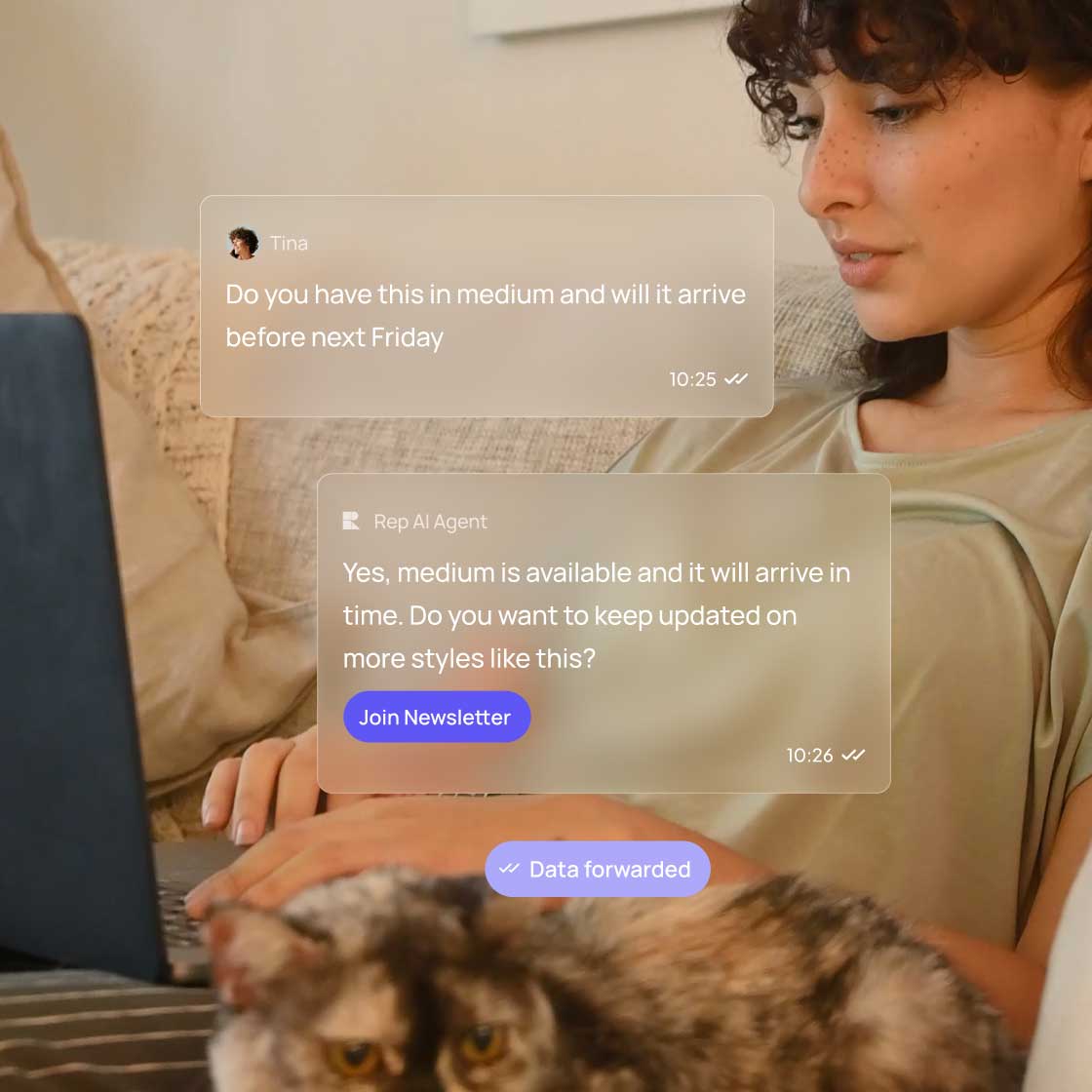
REP AI adds shoppers to your Listrak email list while they chat, and it can hand them a discount code for signing up. Every contact gets a "Rep AI" field.


Listrak holds your email lists, campaigns and automations. Once it's connected, any shopper who shares an email address in the REP AI chat lands on the list you picked in the Listrak card.
Email signups, collected in chat
"Do you have a discount?" REP AI offers a code for the shopper's email. They join your Listrak list and get the code.


How It Works
Here is what happens from the first message to the moment your team takes over.
Enter your Client ID and Client Secret on the Marketing tab
Pick a list and a discount in Subscribe & Get a Discount
A shopper asks about discounts or joining your newsletter
REP AI adds them to your list and shares the code
Use Cases


Shoppers who ask about deals or your newsletter join your Listrak list in chat.
You pick the code. Shoppers trade an email for it.
Build segments from the "Rep AI" field.
Your existing Listrak campaigns and automations keep running exactly as they do today.
Turn chat questions into Listrak subscribers
Connect Listrak and start your 14-day free trial, no credit card required.

Got questions?

In Listrak, create a Client ID and Client Secret for the Email API. Then go to Settings, then Integrations, in the REP AI Console, open the Marketing tab, click Connect on the Listrak card and choose your email list.
Look for the "Rep AI" field. Every contact subscribed through chat gets it in Listrak, so you can build segments and aim campaigns at the subscribers you gained in conversations.
Not today. The Listrak integration handles email list subscriptions, and SMS isn't available through it.