REP AI + Loop integration
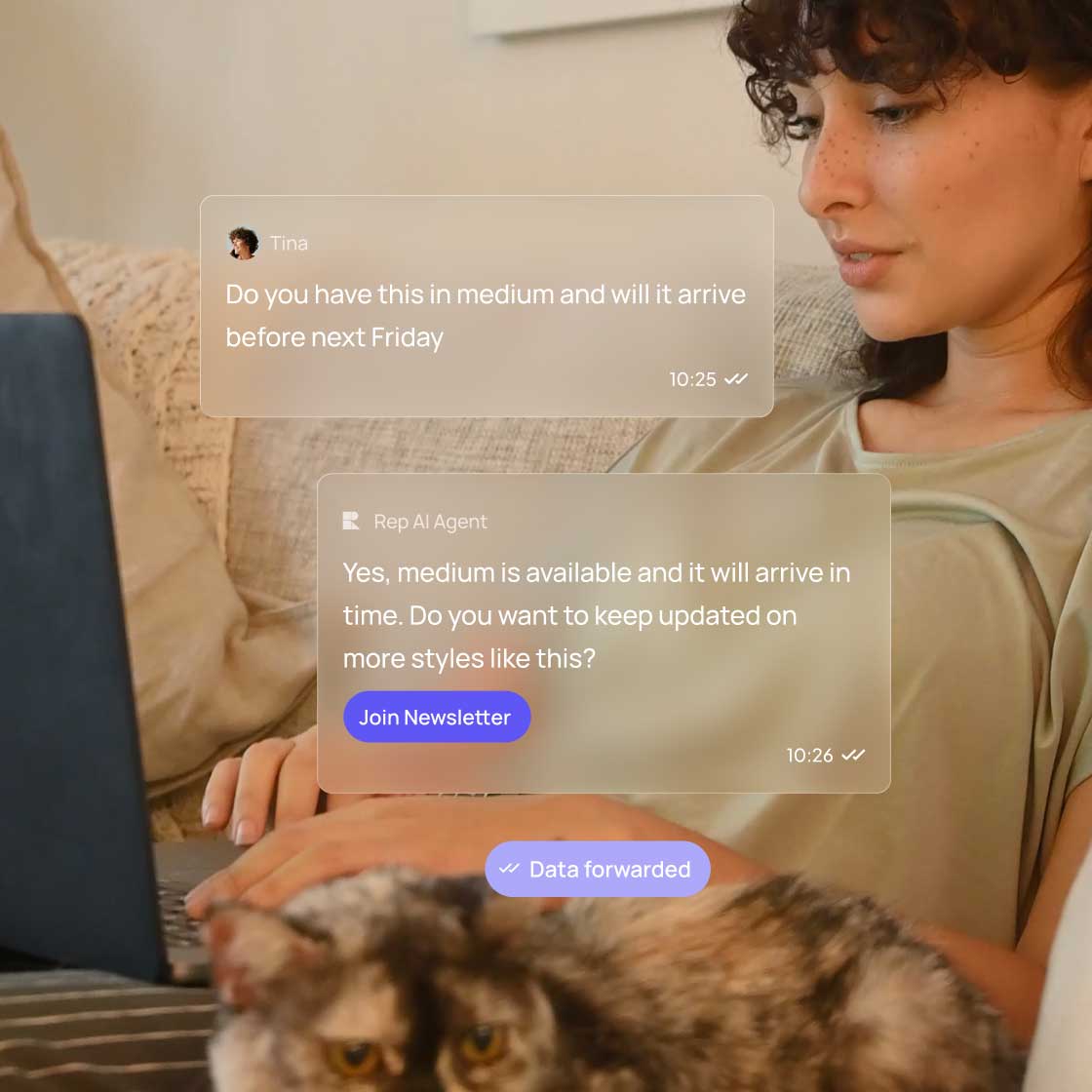
REP AI takes return and exchange requests in chat and sends each shopper a link to your Loop returns portal. They finish there.


Loop is a returns management platform. Once you've added your Loop API key, REP AI can create a personalized link to your returns and exchanges portal for every shopper who asks for one.
Returns and exchanges, started in chat
"I need a smaller size." REP AI asks for the order number and email, verifies the order, and sends a link to your Loop portal, where the shopper completes the exchange.


How It Works
Here is what happens from the first message to the moment your team takes over.
Paste your Loop API key on the Returns tab in Integrations
Switch on the Returns/Exchanges skill in Support Skills
REP AI collects the order number and email, then verifies the order
The shopper gets a portal link and completes the return in Loop
Use Cases


Shoppers get a Loop portal link in chat, so your team doesn't have to.
Refunds aren't REP AI's call; your Loop portal and your rules decide.
Shoppers can verify with a phone number or ZIP code instead.
Your shoppers get returns information and portal access 24/7.
Let shoppers start returns and exchanges in chat
Connect Loop and start your 14-day free trial, no credit card required.

Got questions?

REP AI verifies the order, then sends a link to your Loop returns portal, where the shopper completes the return or exchange. It never approves a refund on its own.
In the Loop admin, open Returns management, then Tools & Integrations, then Developer Tools, and generate an API key with the Order scope. In the REP AI Console, go to Settings, then Integrations, select the Returns tab, click Connect in the Loop Returns card and paste your key.
Yes. You'll need an active Loop subscription to connect it. If you don't use Loop, the Returns/Exchanges skill can still run on a Standard Policy with your return window, processing time and refund time.