REP AI + Omnisend integration
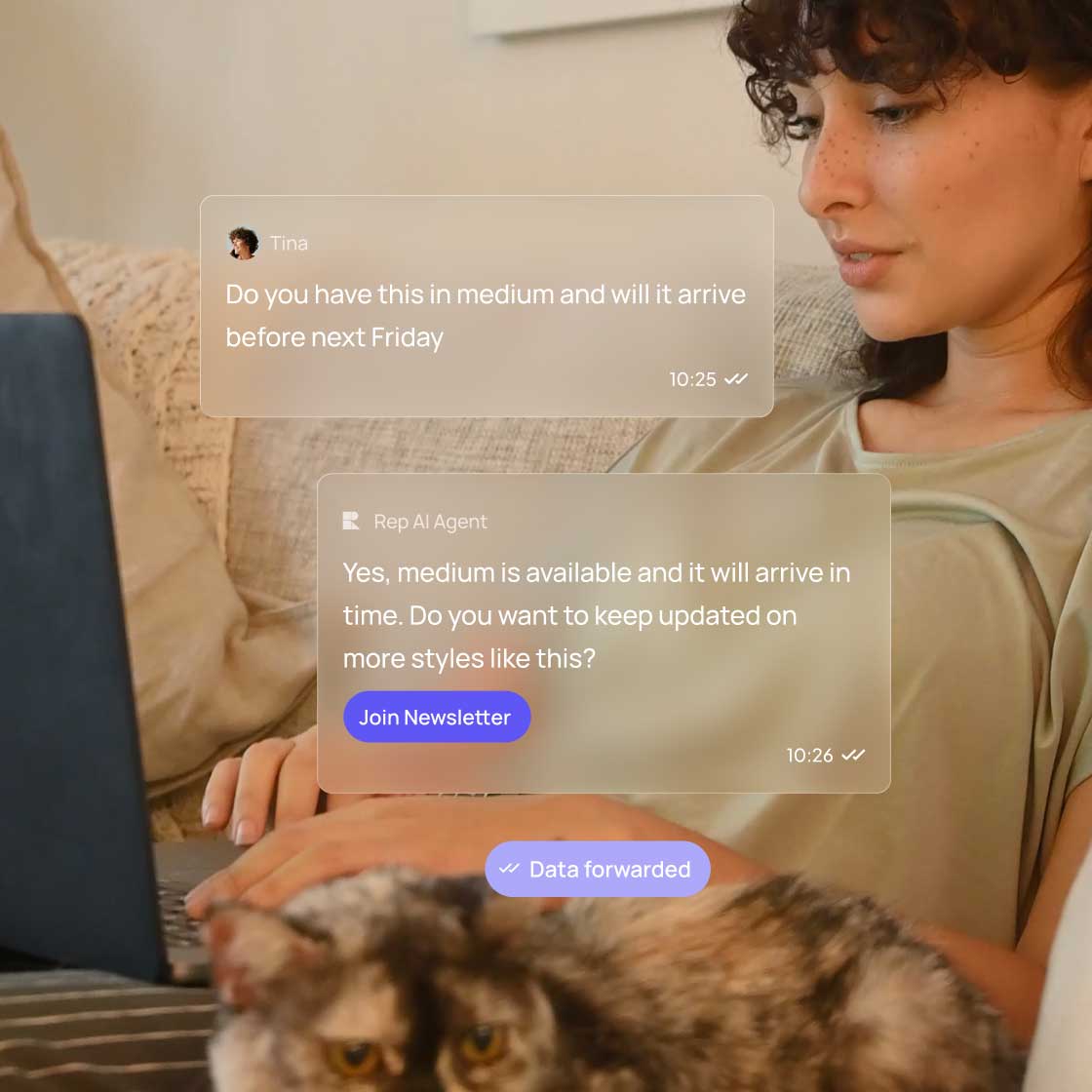
REP AI subscribes shoppers to your Omnisend email and SMS lists during chat. It collects an email, a phone number or both, and can offer a discount code in return.


Omnisend runs your email and SMS lists. Connect it with an API key from Store Settings, then Integrations, then API keys, and contact details shared in the REP AI chat go to the Omnisend list you pick.
Email and SMS signups in chat
"Can I get a discount?" REP AI asks for an email or phone number. The shopper joins your Omnisend list, and they'll get the code from your Shopify store.


How It Works
Here is what happens from the first message to the moment your team takes over.
Paste your Omnisend API key on the Marketing tab
Pick a list and discount in Subscribe & Get a Discount
A shopper asks about discounts or your newsletter
The shopper joins your list and gets the code
Use Cases


Turn on Phone and REP AI collects numbers for Omnisend SMS.
Set Email to Required, and shoppers who ask about deals join your Omnisend email list.
Leave the discount out. REP AI still collects details for Omnisend.
Your Omnisend workflows don't change.
Turn chat questions into Omnisend subscribers
Connect Omnisend and start your 14-day free trial, no credit card required.

Got questions?

In Omnisend, go to Store Settings, then Integrations, then API keys. Create a key or use one you have, and paste it into the Connect to Omnisend popup in REP AI.
No, it's optional. Without one, REP AI still collects subscriber details for your Omnisend lists.
Update it in REP AI too. Disconnect the integration on the Omnisend card, then reconnect it with the new API key.