REP AI + Tapcart integration
REP AI runs inside your Tapcart mobile app, so shoppers can ask about products, shipping and returns without leaving it. Same knowledge, same personality as your website chat.


Tapcart lets merchants create and manage mobile apps for their Shopify stores. Once it's connected, the REP AI widget lives in your app as a custom block. You choose the page.
Your AI assistant, inside your app
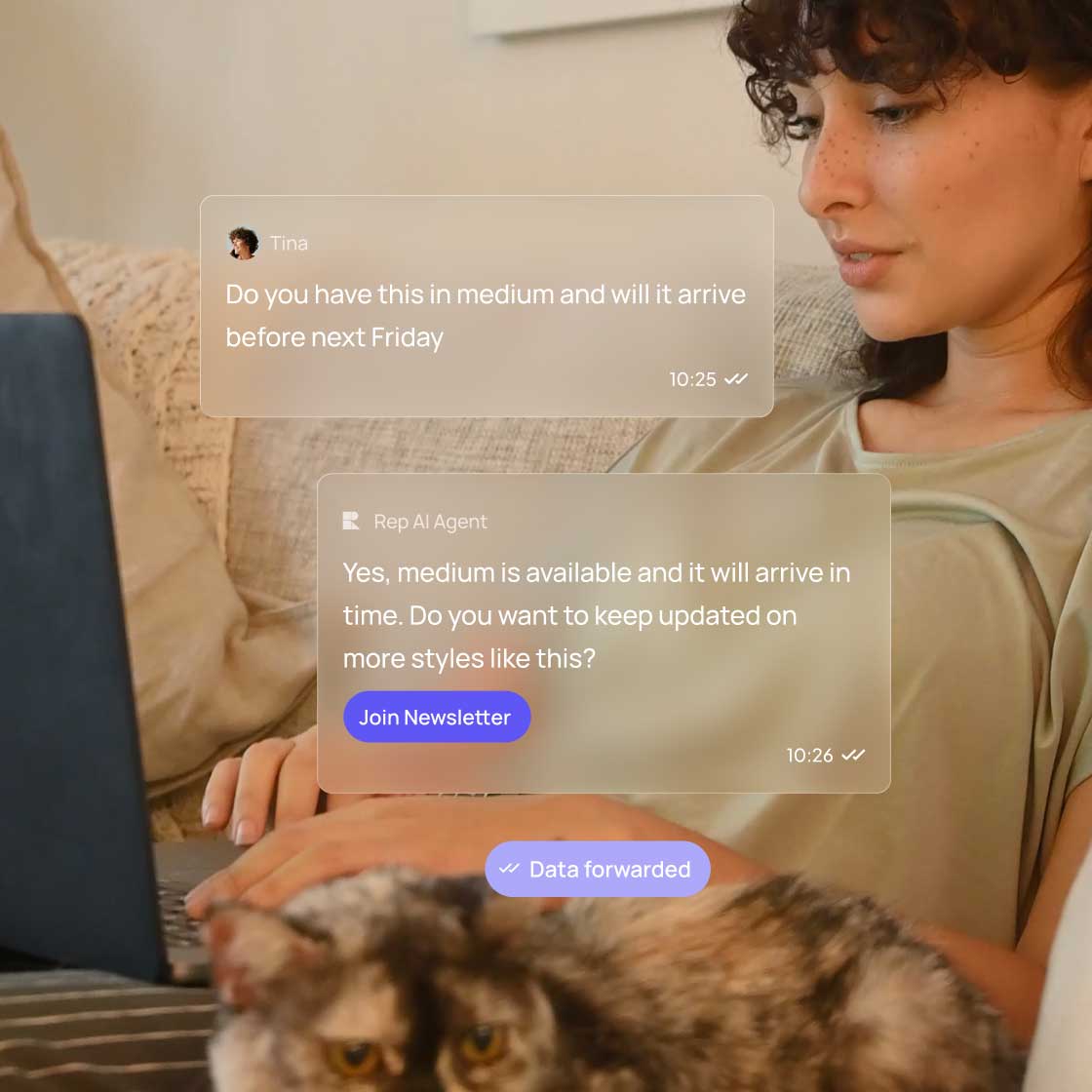
A shopper opens your app and asks "How long does shipping take?" REP AI answers right there, using the same knowledge it uses on your website.


How It Works
Here is what happens from the first message to the moment your team takes over.
Click Connect on Tapcart in the Mobile Apps tab
Paste the GitHub template, add your key, set SDK v1.4
A shopper opens your app and types a question
REP AI replies with the same knowledge as your website chat
Use Cases


Your shoppers get answers on products, shipping and returns without leaving your branded app.
REP AI gives product recommendations to people browsing on their phones.
Knowledge, personality and capabilities stay the same on web and mobile.
You can drag the custom block onto any app page.
Bring REP AI into your mobile app
Connect Tapcart and start your 14-day free trial, no credit card required.

Got questions?

You'll need both: a Tapcart account to power your mobile app and a REP AI subscription for the AI assistant.
In the REP AI Console, go to Settings, then Integrations, open the Mobile Apps tab and click Connect in the TapCart panel to copy your account key. In Shopify, open Tapcart - Mobile App, switch to Custom Blocks, launch the Blocks Editor and paste the HTML, CSS and JavaScript from the GitHub guide, with your key in line 2 of the JavaScript. Then set the Custom Block SDK Version to v1.4.
Yes. Your AI assistant's knowledge, personality and capabilities don't change between web and mobile.