


Can REP AI work inside ChatGPT? Yes, with your approval
Yes, REP AI works inside ChatGPT: install it from ChatGPT's plugin directory, sign in with your REP AI login and ask about your store's performance and what shoppers get stuck on. You choose what ChatGPT may read or change, every change waits for your yes in the chat, and each one lands in the Audit Log with a Revert button.
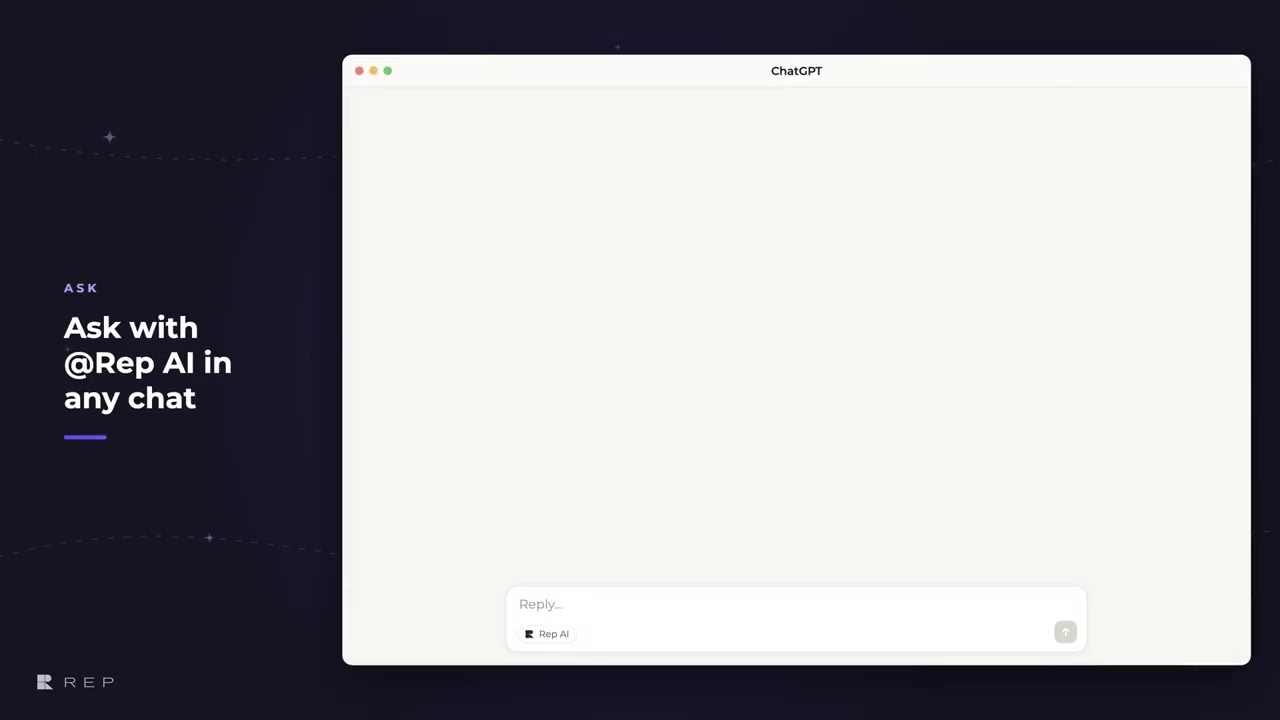
Chapters
Transcript
Find REP AI in ChatGPT
REP AI is now listed in ChatGPT's plugin directory, and installing it signs you in with your REP AI login.
Choose what ChatGPT can see
REP then asks what ChatGPT may read, and only the two narrowest boxes start out ticked. Changing your AI stays off until you tick it, and even then, every change waits for your yes in the chat.
Ask about store performance
ChatGPT answers from the same figures as your Console home screen, each one compared with the period before.
See what keeps shoppers stuck
It can also rank the problems shoppers keep running into, so you can see where your AI's answers need work.
Every fix starts as a proposal
A proposal changes nothing on its own. It's the exact before and after laid out for you to read.
Your yes makes it live
Your yes applies that one proposal once, and shoppers get the new answer on their very next message. Every change lands in your Audit Log under your name,
Logged and revertible
with a revert button if you change your mind.
Common questions
Can ChatGPT change my REP AI settings?
Only what you allow. Changing your AI stays off until you tick it on the consent screen, and every proposed change waits for your yes in the chat.
What can ChatGPT see in my REP AI account?
You choose on the consent screen. Only the two narrowest options, how REP AI is performing and what shoppers talked about, start ticked, and the rest stays off until you tick it.
Can I undo a change made from ChatGPT?
Yes. Every change lands in the REP AI Audit Log under your name, with a Revert button.
See it working on your own store.

