


How REP AI tells shoppers a teammate took over their DM
REP AI sends a short takeover notice, in your own words, right before your teammate's first reply when a person takes over an Instagram, Messenger or WhatsApp conversation. It is on by default for each channel in AI Social > Messages, and it is sent when the teammate replies from Rep Inbox, not from the native apps.
Chapters
Transcript
Write the notice per channel
For each social channel, the takeover notice starts on and the store can save its own wording for the moment a teammate joins.
Teammate replies in Rep Inbox
When a teammate replies through Rep Inbox, REP sends that notice before the first human answer and keeps the conversation open.
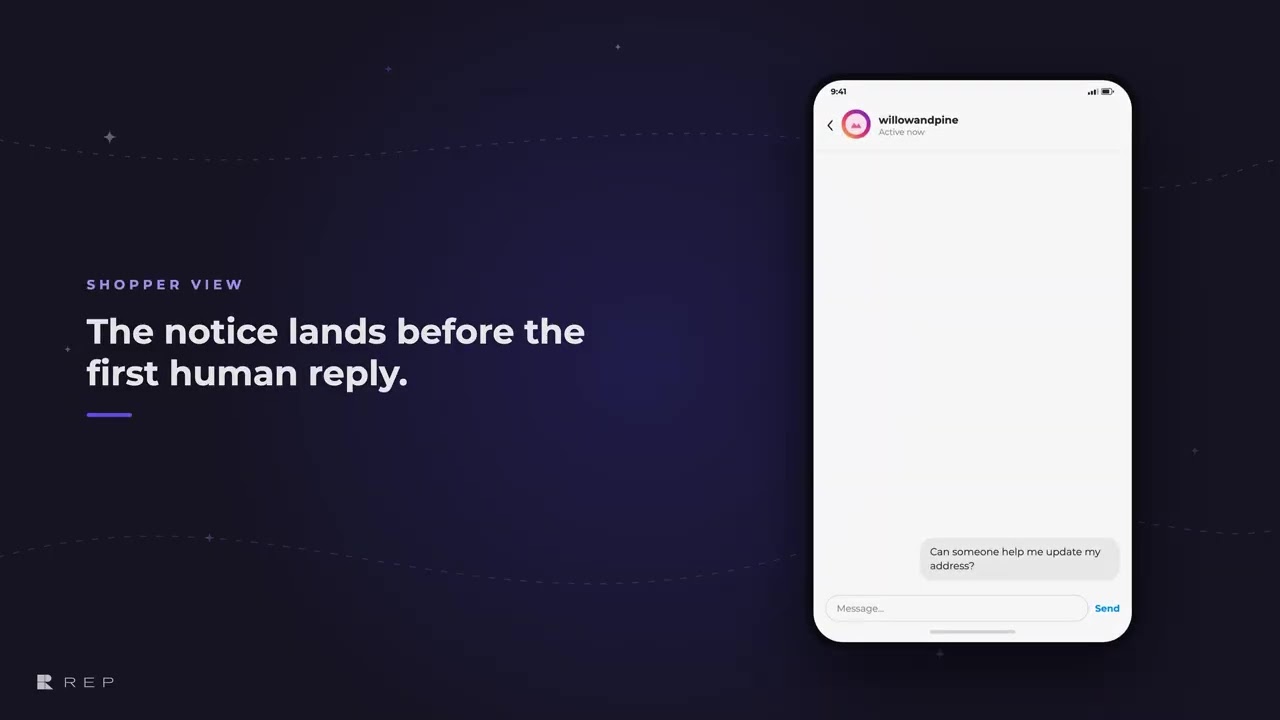
What the shopper sees
The shopper sees who is speaking, then receives the teammate's reply in the same open messaging window.
Common questions
Can REP AI tell shoppers when a human takes over a DM?
Yes. On Instagram, Messenger and WhatsApp, REP AI sends a short takeover notice right before your teammate's first reply, so the shopper knows a person is now answering.
Where do I edit the human takeover message?
In AI Social > Messages, open the channel, for example Instagram, and edit Human takeover messages. It is on by default, and you can change the wording, reset it to the default or turn it off.
Is the notice sent if my team replies from the Instagram app?
No. The notice is sent when a teammate replies through Rep Inbox; replies sent from the native apps don't trigger it.
See it working on your own store.

